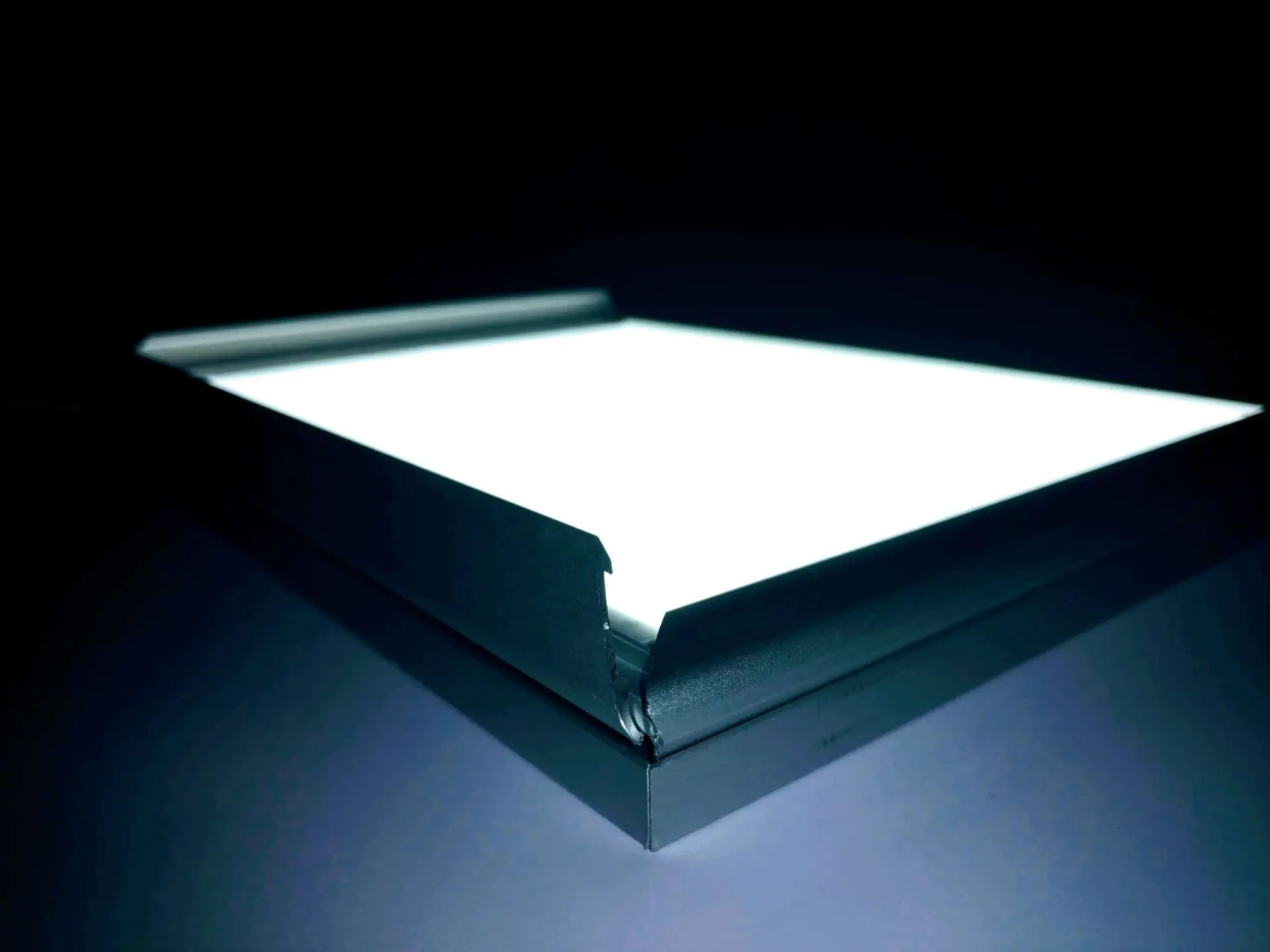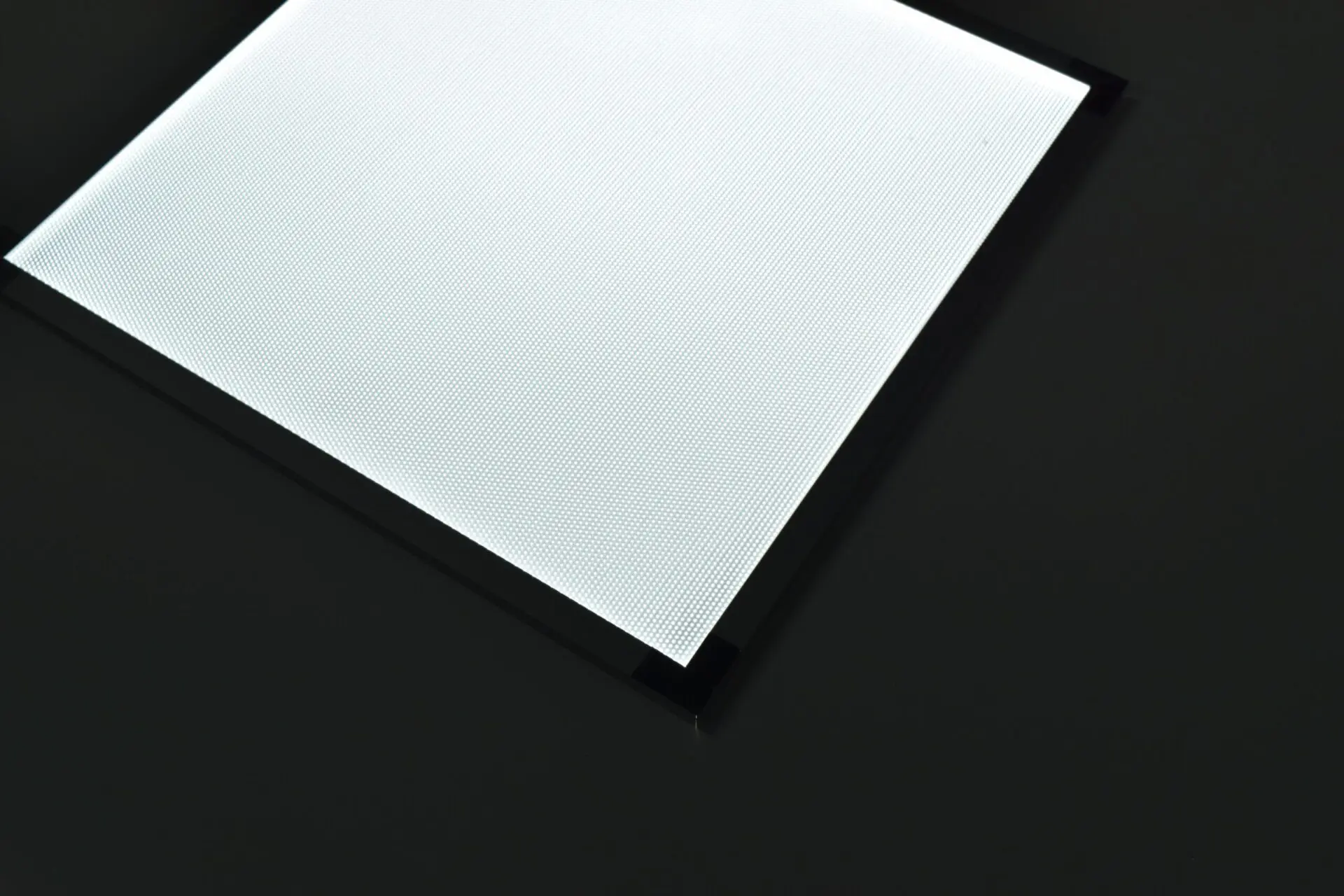
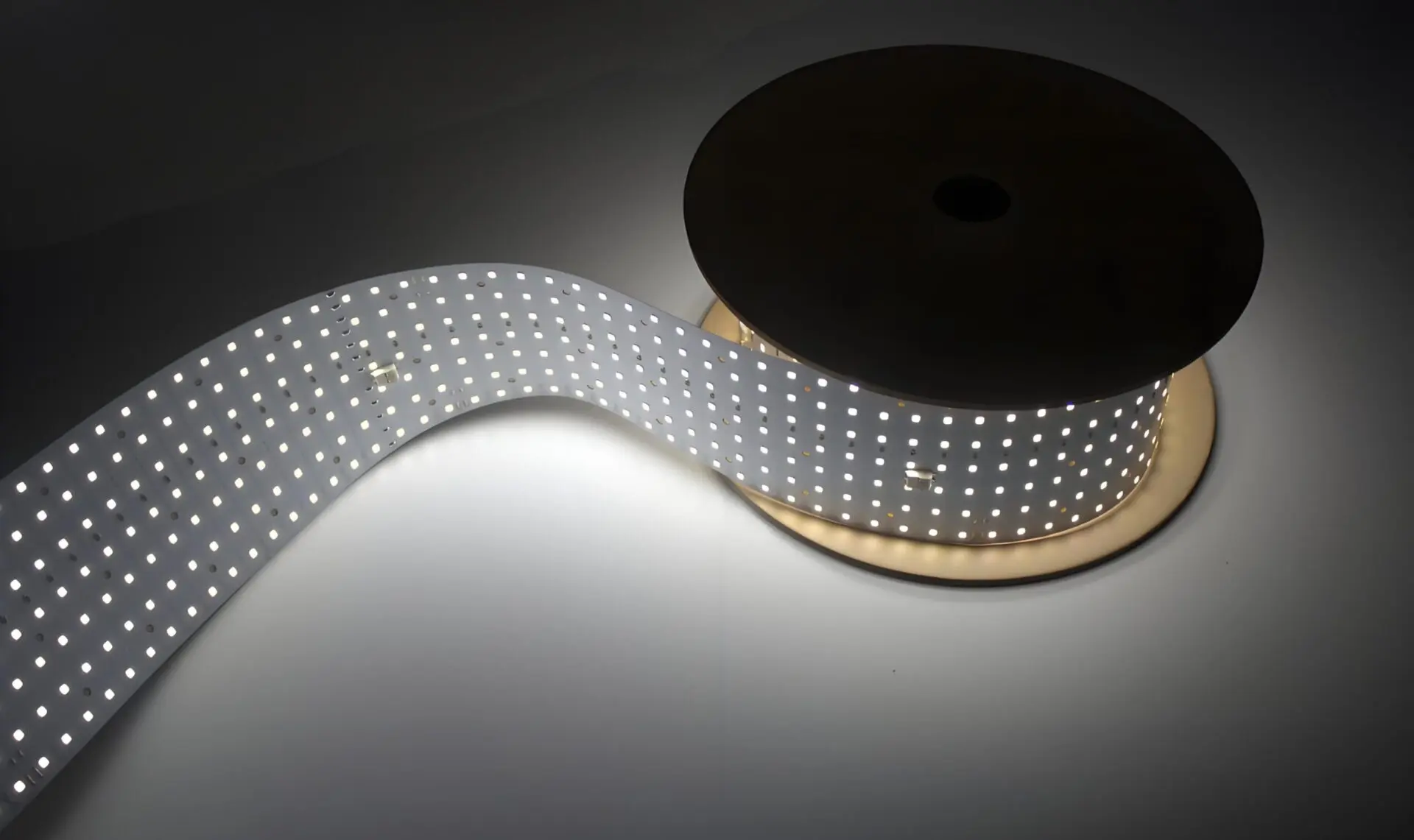
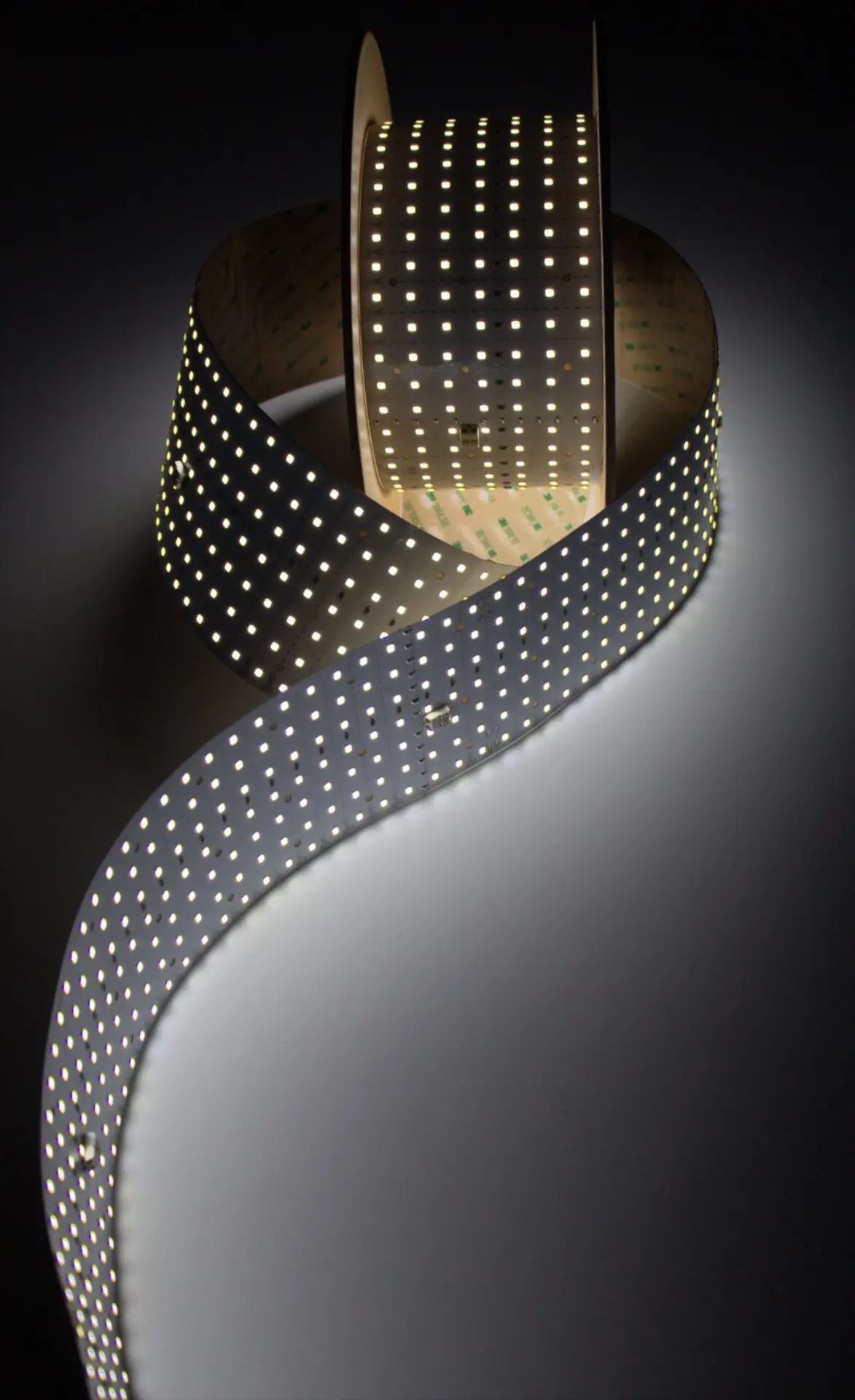
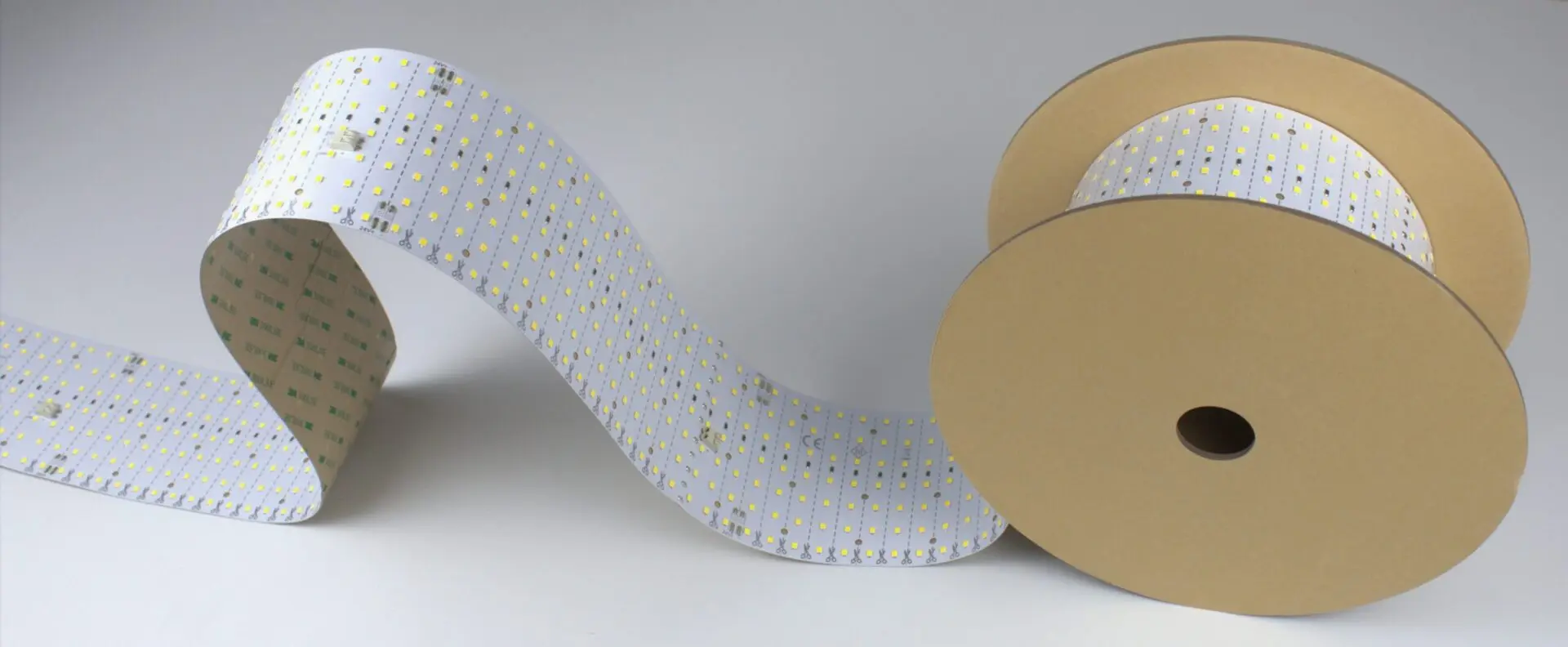
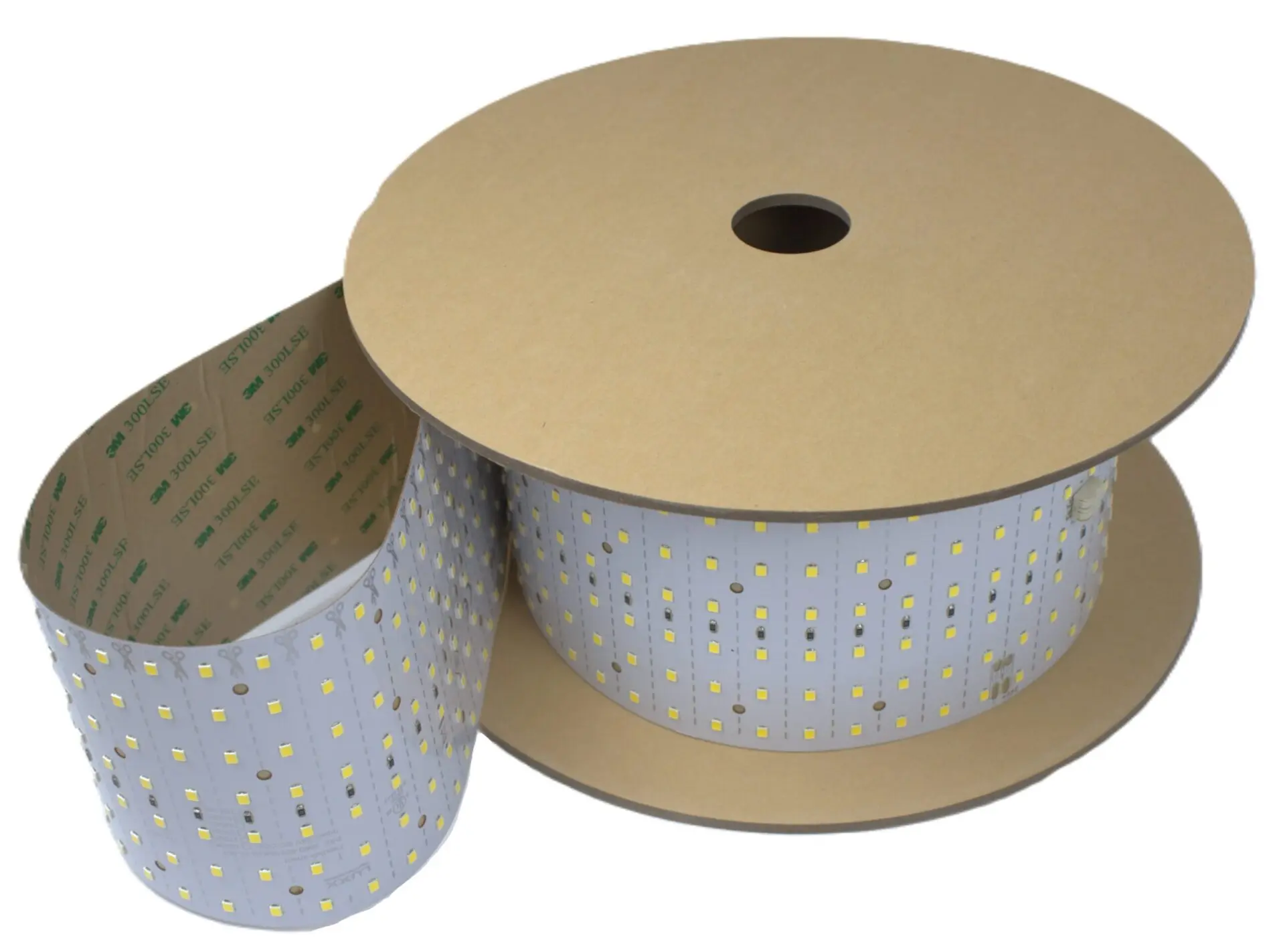
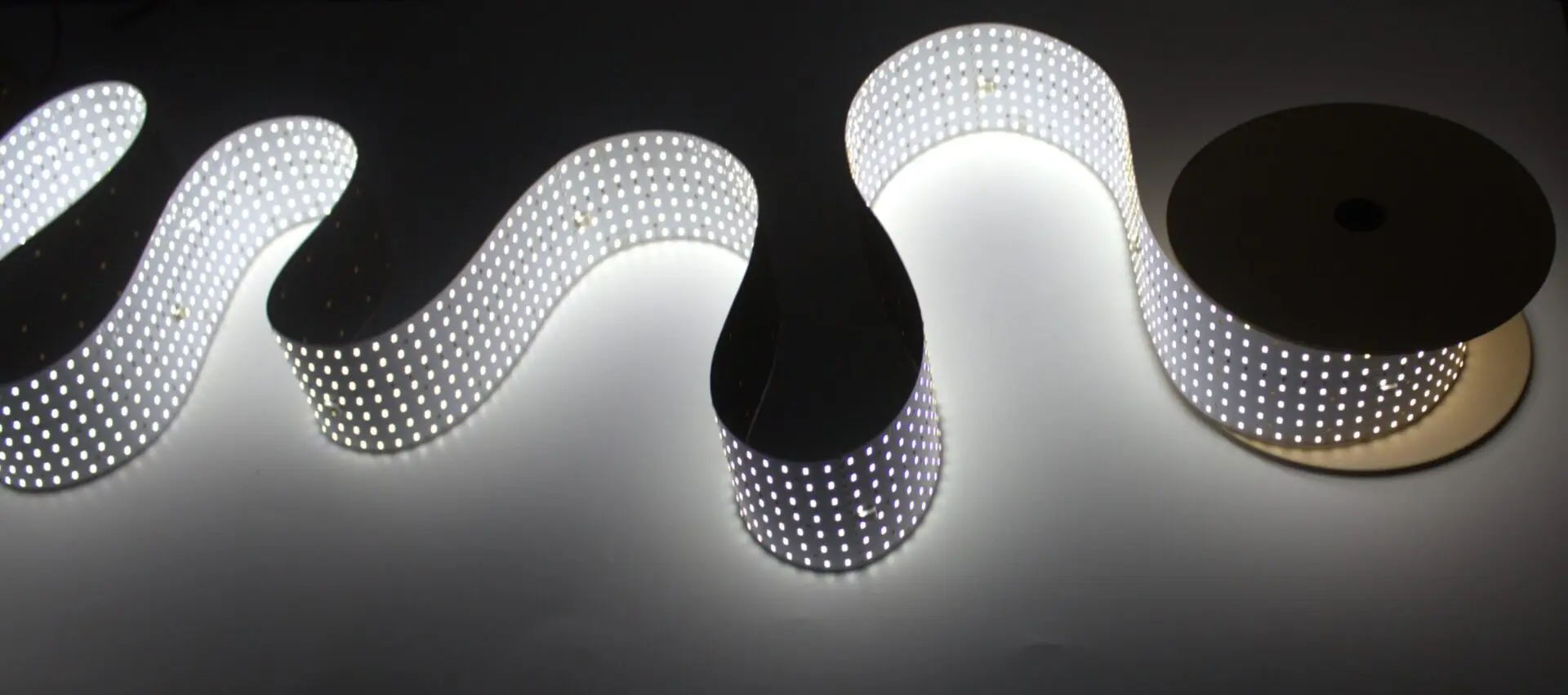
LightWave® Roll It! — Rollable LED Light Sheet
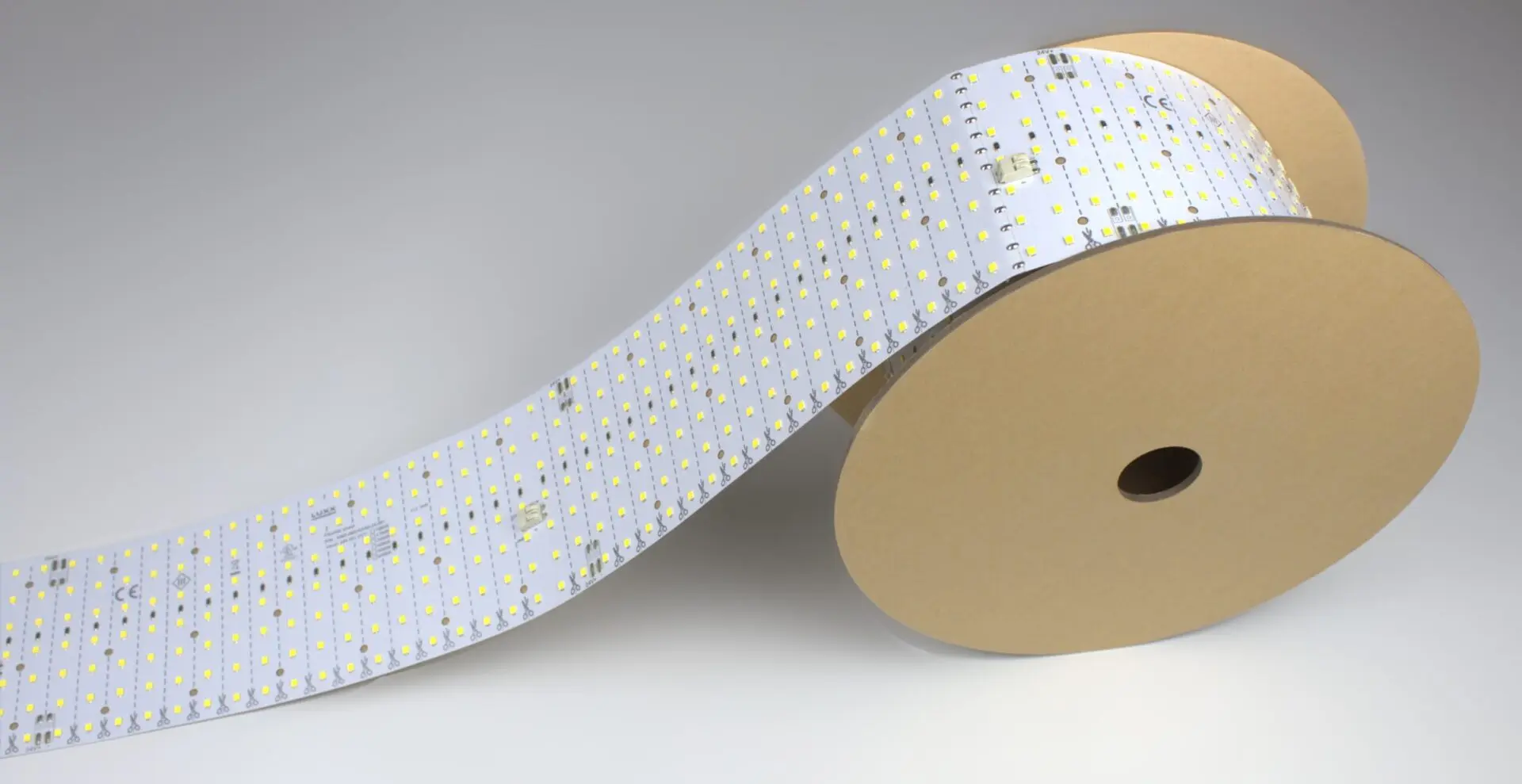
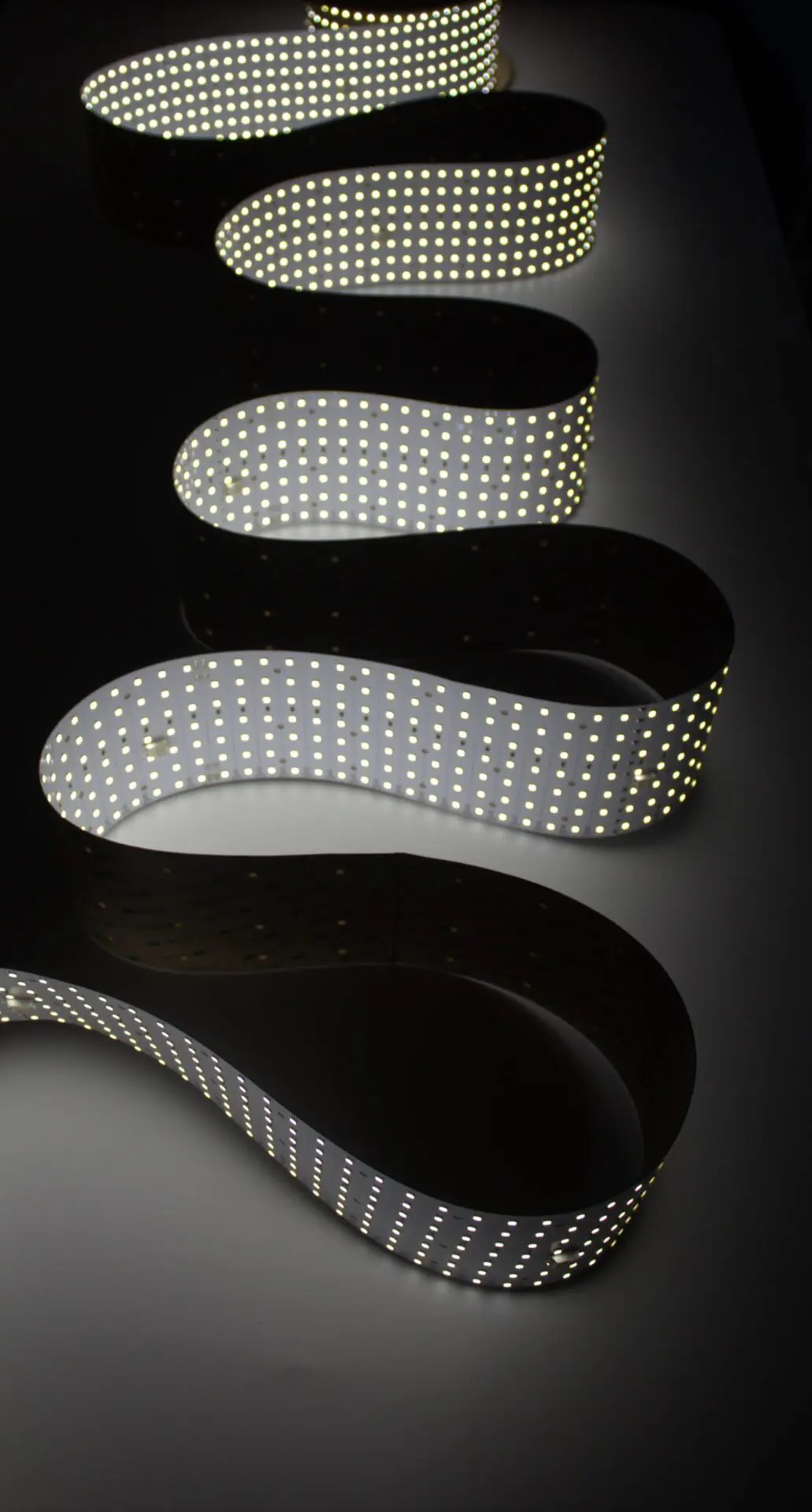
Our rollable LED light sheet for large-format projects. Available in single color and tunable white.
UL Listed · Manufactured by LUXX since 1996 · Backed by a 3-year warranty, extendable to 5. Request a project quote.
Quick Answer:
LightWave® Roll It! is a 4″-wide rollable LED light sheet for long, continuous runs. The standard roll is 40 ft (480″) long at 2.15 W/ft and 130 lm/W, delivering 280 lm/ft with CRI >80. The high-output roll is 33 ft 4 in (400″) at 3.5 W/ft and 350–450 lm/ft. Both cut to length along marked lines and are under 7 mm thick.
What are the specifications of Roll It!?
| Format | Size | CCT | Power | Efficacy | Output | CRI | LEDs |
|---|---|---|---|---|---|---|---|
| Standard | 4″ × 480″ (0.1 × 12.2 m) | 3500K, 5000K, 6500K | 2.15 W/ft · 6.6 W/sq ft | 130 lm/W | 280 lm/ft · 840 lm/sq ft | >80 | 108/ft · 324/sq ft |
| High-output | 4″ × 400″ (0.1 × 10.16 m) | 1800K, 2700K, 3000K, 3500K, 4000K, 5000K, 6500K | 3.5 W/ft · 10.7 W/sq ft | 115–130 lm/W (100 lm/W at 1800K) | 350–450 lm/ft | Contact LUXX | Contact LUXX |
How many drivers does a Roll It! run need?
One correctly sized driver can power a full 40 ft standard roll: 86 W of load, or about 103 W with 20% headroom. A full high-output roll draws about 117 W, or 140 W with headroom. Use the LED sheet power supply calculator for mixed runs.
Where can I cut a Roll It! roll?
Along any of the marked cut lines along its length. Cut sections can be powered separately or reconnected; see the Roll It! manual for connection details.
How do you mount Roll It! in a cove?
Lay the roll flat on the cove floor or back, adhesive side down on a clean, degreased surface, in one continuous run. See architectural cove lighting.
Where is LightWave® Roll It! used?
- Architectural cove lighting — continuous runs up to 40 ft
- Backlit signage — long fascia bands
- Trade show booth backlighting — large backdrops
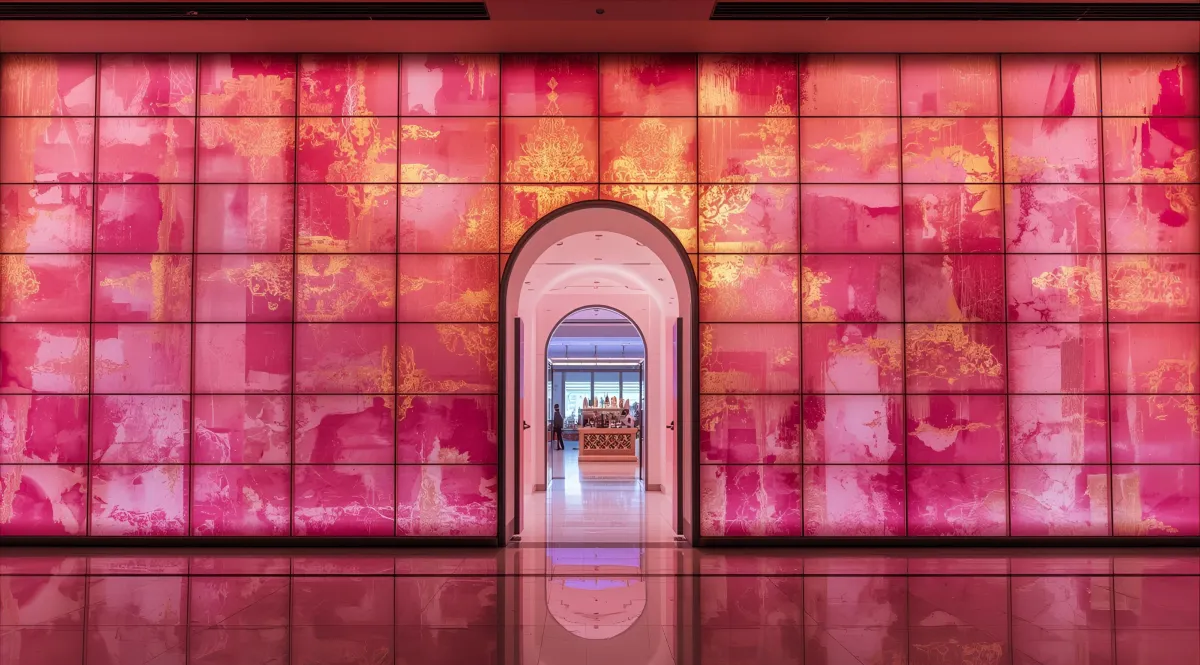
- Backlit onyx walls — reception desk and bar fronts
Specified with: LED sheet power supply calculator · LED light sheet rolls · LightWave spec comparison
- Fewer drivers / power supplies
- Fewer splices and connectors
- Less wiring clutter
Ideal for any project needing smooth, continuous illumination across a wide or lengthy area:
- Retail display walls
- Backlighting signage and billboards
- Airport, subway, or transit corridors
- Trade show booths and event backdrops
- Long hallways, staircases and corridors
- Warehouse or industrial task lighting
Need custom shapes?
LightWave® Roll It! can be combined with our cuttable LightWave® products with the perfect match, so you can roll out our large format light sheet while still working around the unique shapes of your space.
Where this variant is the right choice
- Large-format installations and building-envelope backlighting: See the
architectural cove lighting scenario —
continuous runs up to 40 ft eliminate splice points across large faces - High-output applications needing more lumens: See the
trade-show booth backlighting scenario —
high-output option (3.5 W/ft) for bright, even fill light - Retrofit and field-cut installations: See the
curved column lighting scenario —
cuttable on-site and adhesive-backed for tight integration
Where to choose a different variant instead
- Modular installations under 10 linear feet:
Gen 1 Plus modular sheets offer better cost
per unit and easier replacement than continuous rolls - High-CRI or true-color applications:
CH2 RGBW build reaches CRI 90 for color-accurate
retail and museum work - Animation and pixel-mapped effects:
PIXX addressable SPI control for video and
motion graphics
See a full spec comparison
across all four LightWave variants — Gen 1 Plus, CH2, PIXX and Roll It!
Size a driver for Roll It!
using our power supply calculator — Roll It! wattage scales with linear footage, so per-foot
values drive your calculation.
See Roll It! specified
in project scenarios — large-format installations and cove runs with complete
linear-footage-to-wattage and driver-sizing math.
LightWave® Roll It! FAQs
What is the maximum roll length?
Up to 40 ft continuous, so one run covers large surfaces with fewer drivers and splices.
What applications is Roll It! best for?
Retail walls, signage, transit corridors, trade-show backdrops, long hallways.
Can Roll It! be combined with cuttable sheets?
Yes — pair with cuttable LightWave® to work around custom shapes.
Specifying this on a project? Request the LightWave® specifier package — spec sheets, IES photometric files, CAD details and Revit families.
See this variant specified in a real scope: six worked project scenarios with sheet counts, total wattage and driver sizing.