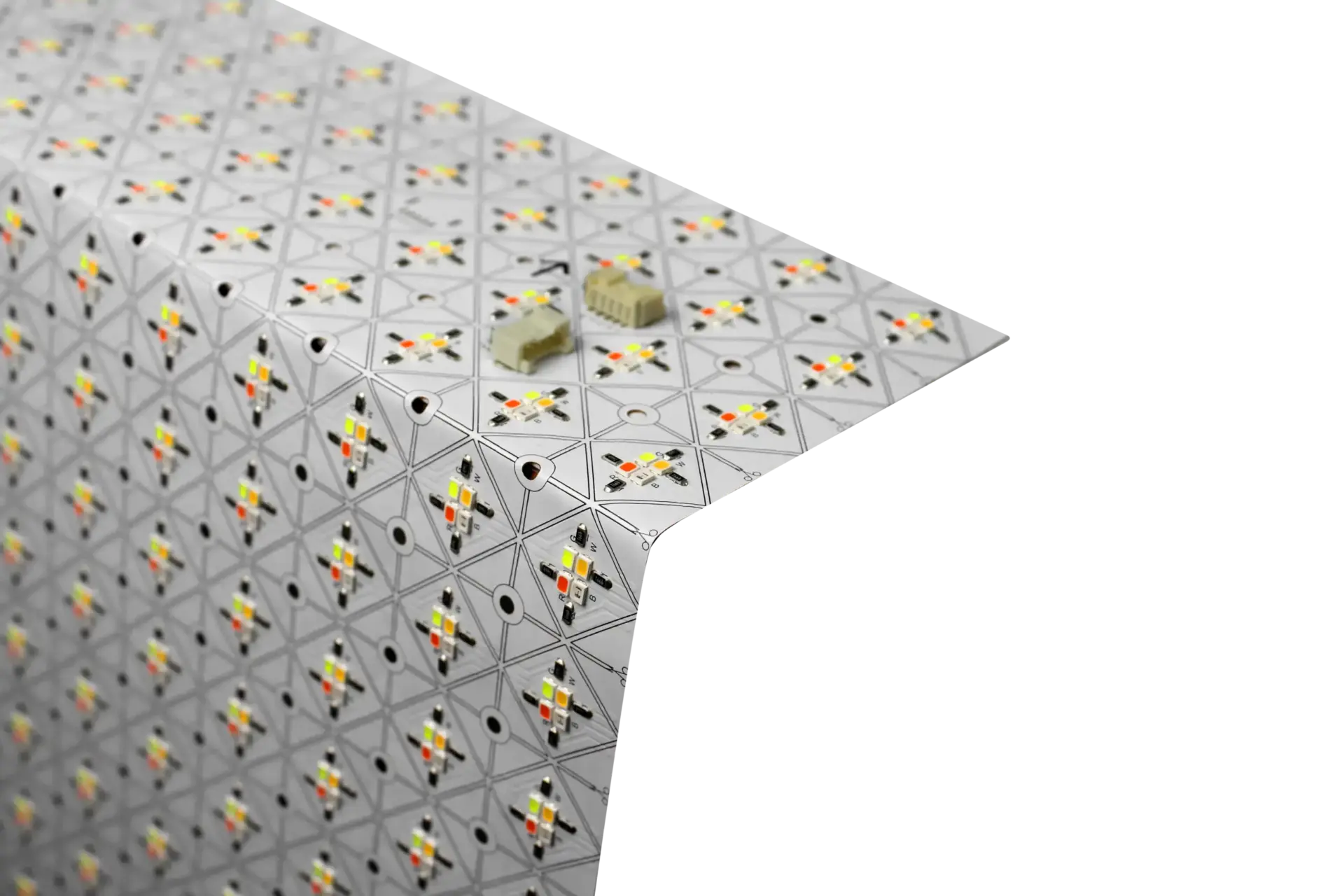
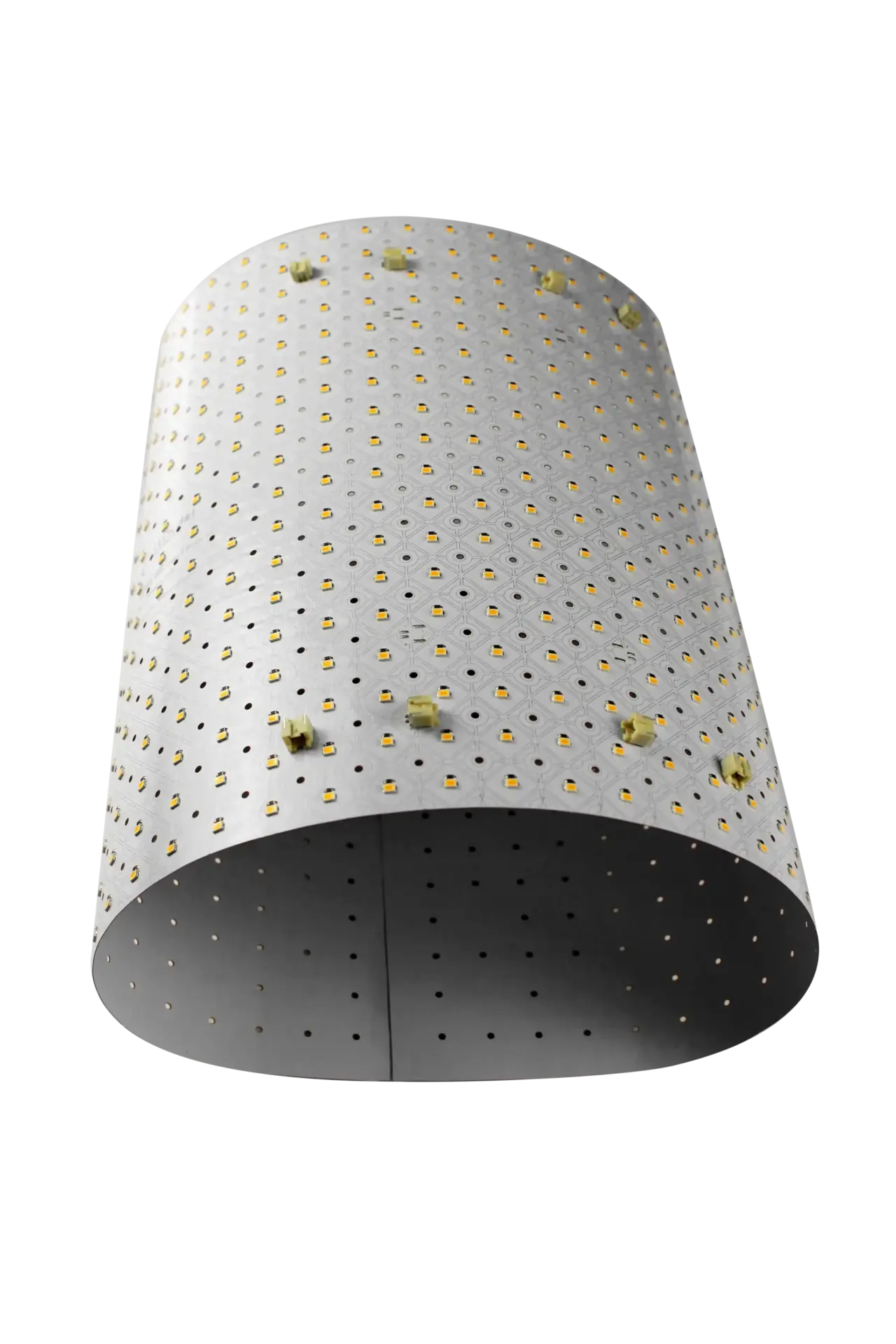
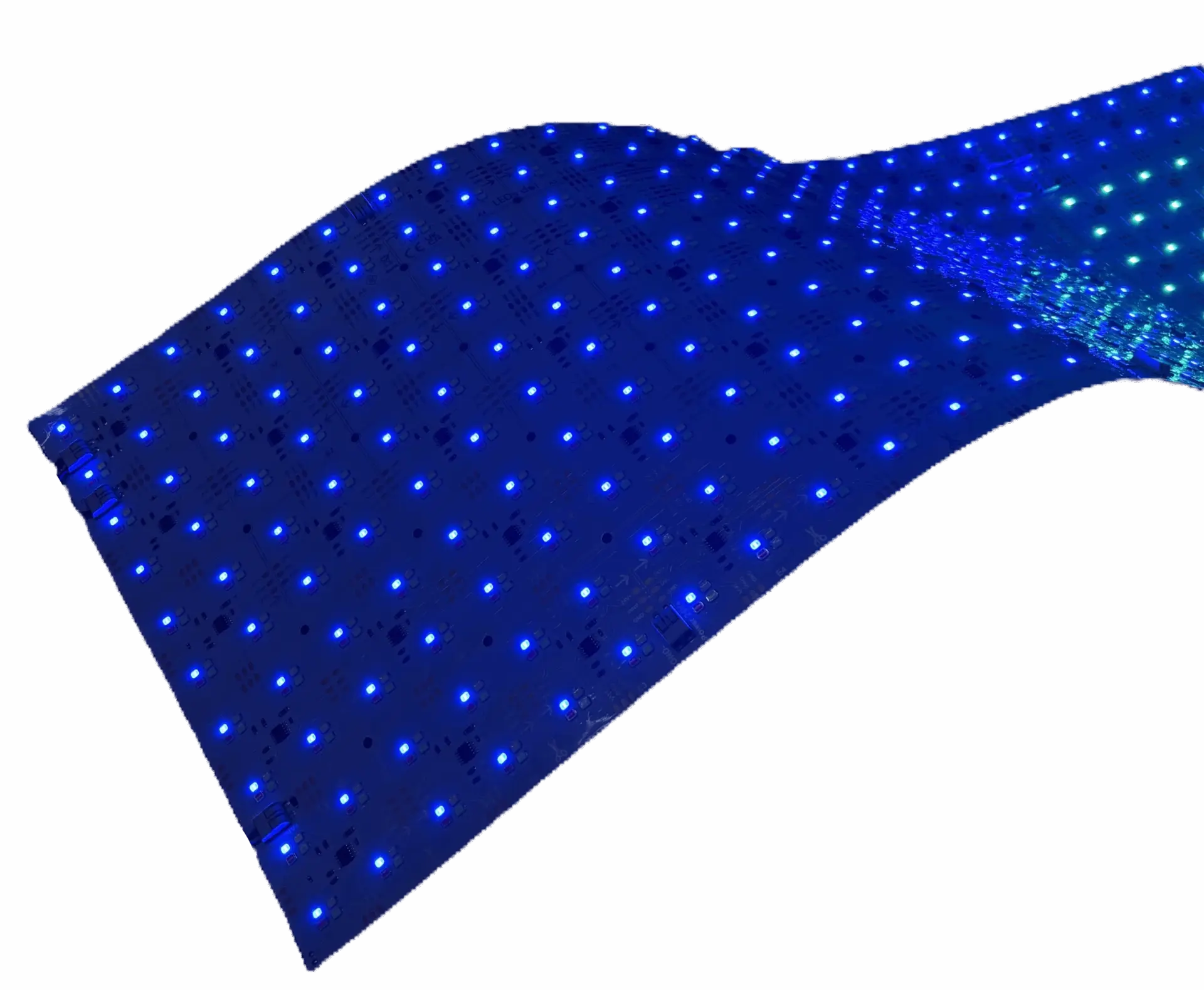
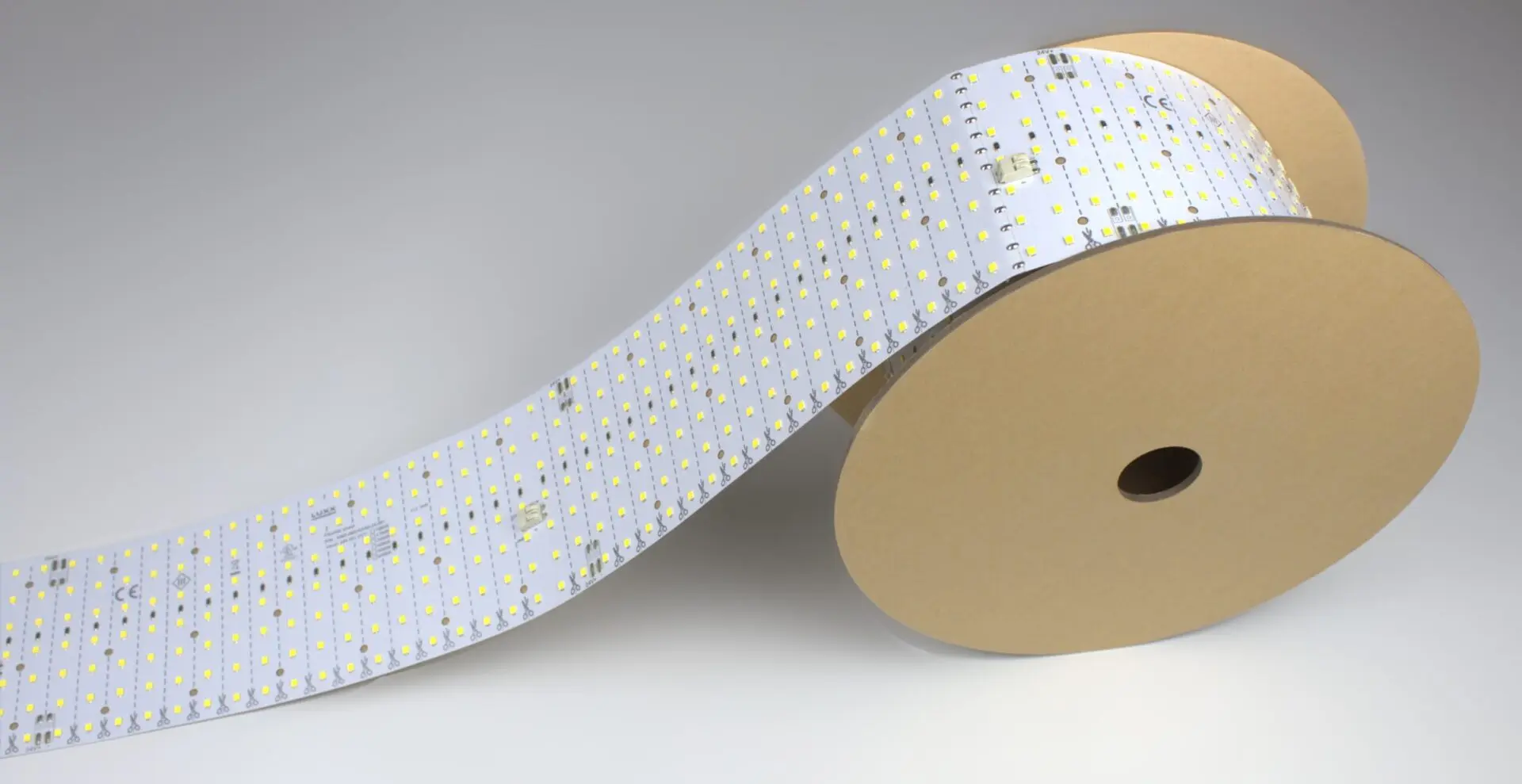
These are design-consultant scenarios: real project types LightWave® gets specified into, with the exact variant, quantity, wattage, driver and install approach worked out. Use them as a sanity check for your own project — if your scenario matches one of these within 20%, the spec below is likely close to what LUXX would recommend. If your project is different in a material way, request a quote for a driver-matched kit.
How to Use This Page
Each scenario walks through the design challenge, why a specific LightWave® variant is right for it, the calculated wattage and driver spec (matching the power supply calculator), and the install approach. Every scenario’s spec math is verified — plug the numbers into the calculator yourself if you want to confirm.
Scenario 1: Retail Feature Wall — Color-Changing Brand Wall
Vertical: Retail
Variant:CH2 RGBW
Install size: 8 sheets (~16 sqft)
Driver: DALI DT8 RGBW, ~480 W
The scenario
A national retail chain’s new flagship needs a 96″ × 48″ feature wall behind the checkout that runs on brand color 80% of the day and shifts to clean daylight white for staff opening/closing tasks. The client insists that seasonal packaging under the wall reads true-to-print — no muddy whites, no washed-out reds.
Why CH2 RGBW
Two variants could ship: Gen 1 Plus RGBW or CH2 RGBW. Both do full color; both have adhesive backing and cut to size. The difference is CRI — Gen 1 rates 80+ on the white channel, CH2 rates CRI 90. For a retail install where merchandise color accuracy matters, CH2 is the right call even at the higher per-sheet power draw. See our RGBW LED sheets comparison.
Recommended spec
- Product: 8 × CH2 RGBW sheets (12″ × 24″ each, 2 sheets wide × 4 tall gets 96″ × 48″)
- Per-sheet wattage: 44 W (4 × 11 W across R/G/B/W)
- Total wattage: 8 × 44 W = 352 W
- With 20% headroom: 422 W minimum driver capacity
- Recommended driver: DALI DT8 (RGBWAF sub-type) 480 W, 4-channel constant-voltage
- Screw spacer set: yes — sheet sits behind a fabric-fronted lightbox at short throw, needs the spacer to spread beams evenly
Install approach
Prep the fabric-lightbox interior (clean, degrease, dry). Mount the 8 sheets on the back panel with peel-and-stick adhesive plus the screw spacer set for the offset. Land RGBW leads to the DALI driver — one channel per color. Program 3 DALI scenes: brand primary, brand secondary, and 5000K daylight for open/close. Verify camera-safe PWM in the driver spec since this wall gets filmed regularly for social posts.
Outcome
The wall renders brand PMS colors accurately at any dim level and drops to CRI 90 daylight for staff tasks. One driver, one control system, one wall, three scenes on demand.
Scenario 2: Hospitality Bar Back — Adaptive-White Evening Scene
Vertical: Hospitality
Variant:Gen 1 Plus Tunable White
Install size: 6 sheets (~12 sqft)
Driver: DALI DT8 tunable, ~240 W
The scenario
A restaurant’s bar back needs a 72″ × 24″ backlit bottle display. The client wants 5000K crisp daylight for the lunch service (bottles read clearly for the bar team) and warm 2700K amber for evening dinner service (romantic, low-key). No color effects — the design calls for whites only.
Why Gen 1 Plus Tunable White
Whites-only means RGBW is overspec — the color channels would sit dark. Between Gen 1 Plus and CH2 Tunable White, the Gen 1 draws 28 W per sheet vs. CH2’s 40 W for a smaller lm/W efficiency edge. Both hit Ra 80+. For a bar back at typical viewing distance, Gen 1 Plus is the efficient choice.
Recommended spec
- Product: 6 × Gen 1 Plus Tunable White sheets (12″ × 24″ each, 6 wide × 1 tall gets 72″ × 24″)
- Per-sheet wattage: 28 W (2 × 14 W across warm/cool banks)
- Total wattage: 6 × 28 W = 168 W
- With 20% headroom: 202 W minimum driver capacity
- Recommended driver: DALI DT8 tunable-white 240 W, 2-channel constant-voltage
- Screw spacer set: yes — installs behind an acrylic bottle-shelf face at short throw
- Camera-safe PWM: yes — social media / press coverage of the space is expected
Install approach
Six sheets mount in a horizontal row across the bar back with peel-and-stick adhesive plus the screw spacer set. Drive from a single DALI DT8 tunable-white driver, programmed with two scenes (5000K lunch / 2700K evening) plus a smooth 3-hour dim-and-shift at service transition. See the dimmable driver guide for scene programming notes.
Outcome
Bottles read crisp at 5000K daylight during lunch, warm ambient at 2700K amber for evening dinner service. One 2-channel driver, one control system, one wall, seamless day-to-evening transitions.
Scenario 3: Museum Exhibit Case — CRI 90 Artifact Lighting
Vertical: Museum / Exhibit
Variant:CH2 RGBW (run as pure 5000K white)
Install size: 4 sheets (~8 sqft)
Driver: DALI DT6 or DT8, ~240 W
The scenario
A regional history museum is building an exhibit case for a set of textile artifacts. The case needs even, non-directional lighting that renders dye colors truthfully for photography and visitor inspection. Curator has specified minimum CRI 90 and low-heat operation (textiles are heat-sensitive).
Why CH2 RGBW (as pure white)
The exhibit calls for whites only, but the CRI 90 requirement rules out most flexible LED options. CH2 RGBW is the LightWave® variant that hits CRI 90 on the 5000K white channel — spec it and drive only the W channel (leave R/G/B dark). Alternative interpretation: the curator could ask for occasional low-saturation color-wash effects on the case (rare, but possible), which the RGBW channels enable at no additional cost.
Recommended spec
- Product: 4 × CH2 RGBW sheets (12″ × 24″ each, arranged to fit the case interior)
- Per-sheet wattage (W channel only): 11 W per sheet (only the white channel draws)
- Total wattage: 4 × 11 W = 44 W (or 4 × 44 W = 176 W if RGB is retained as an option)
- With 20% headroom: 53 W (white-only) or 212 W (RGBW-retained) minimum driver capacity
- Recommended driver: DALI DT6 60 W single-channel (white-only) OR DALI DT8 240 W 4-channel (RGBW-retained)
- Screw spacer set: yes — critical for even artifact illumination without hotspots
- Heat consideration: low-heat design — CH2 at 11 W per sheet on the W channel alone is well within textile-safe operating temperature. See the heat and hotspot management guide.
Install approach
Mount the 4 sheets on the case interior back panel with adhesive plus screw spacer set. Wire to the DALI driver — either single-channel (white only) or full 4-channel (RGBW retained for optional accent). Program a single “exhibit” scene at 5000K CRI 90.
Outcome
Textiles render at true dye color under CRI 90 daylight, low-heat operation preserves the artifacts, and the exhibit has optional color-wash capability retained for future curator use.
Scenario 4: Transit Corridor — 40 ft Continuous Backlighting
Vertical: Transit / Architectural
Variant:Roll It! Standard
Install size: 40 ft continuous roll
Driver: 150 W constant-voltage
The scenario
An airport terminal build-out needs a 40 ft continuous backlit signage band running the length of a passenger circulation corridor. The design calls for uninterrupted 5000K daylight — no visible seams, no per-panel brightness drift, no fixture repetition.
Why Roll It! Standard
Modular sheets would cost ~20 sheets stitched together with ~20 driver leads and 20 visible seams. Roll It! ships one continuous 40 ft substrate on a spool, driven by one driver at one end. Standard (not High-Output) because 5000K daylight is the design target and 130 lm/W efficiency saves power on a long run. See the large-format LED backlighting guide.
Recommended spec
- Product: 1 × Roll It! Standard roll (4″ × 480″ / 40 ft continuous, 5000K)
- Per-foot wattage: 2.15 W/ft
- Total wattage: 40 ft × 2.15 W/ft = 86 W
- With 20% headroom: 103 W minimum driver capacity
- Recommended driver: 150 W constant-voltage, single-channel (round up to next standard size from 103 W)
- Screw spacer set: depends on install — behind a diffuser panel, yes; direct-mount to an opaque signage face, no
Install approach
Unspool the roll along the length of the corridor. Prep the substrate, peel-and-stick apply progressively down the run. Land the low-voltage lead at one end into the 150 W driver mounted outside the corridor cavity (accessible for service). One driver, one continuous run, one lead.
Outcome
40 ft of uninterrupted 5000K glow, one driver failure = one call (not 20), install time reduced by ~70% vs. panelized alternatives.
Scenario 5: Trade Show Backdrop — Animated LED Feature Wall
Vertical: Event / Trade Show
Variant:PIXX addressable
Install size: 12 sheets (~15 sqft)
Driver: 480 W constant-voltage + Madrix SPI controller
The scenario
An experiential agency is building a trade-show booth for a tech client that needs an animated backlit wall (~5 ft × 3 ft) running looped brand animations. The wall has to pack down for tour, deploy in <2 hours per venue, and drive from a single laptop-based controller.
Why PIXX
RGBW variants can shift color globally but can’t animate — the whole sheet is one color at any moment. Addressable PIXX controls every pixel via SPI, enabling motion, gradients, chase effects, and video-mapped content. The trade-off (higher cost per sqft, more power draw) is exactly what this project needs.
Recommended spec
- Product: 12 × PIXX sheets (9.25″ × 19.8″ each, arranged 4 wide × 3 tall for ~37″ × 60″ total)
- Per-sheet wattage: 35 W
- Total wattage: 12 × 35 W = 420 W
- With 20% headroom: 504 W minimum driver capacity
- Recommended driver: Constant-voltage 720 W (round up from 504 W to next standard). Note: at >500 W, consider driver-per-zone topology per the heat management guide.
- Controller: SPI-capable pixel controller — Madrix, Advatek PixLite, or Enttec Pixelator. Content authored in Madrix or Resolume, pushed to controller from laptop.
- Data direction: respect the printed data-in / data-out arrows on each PIXX sheet — pixel chain must flow in order.
Install approach
Mount the 12 sheets on rigid backers pre-fabricated for booth tour packability. Wire power (+ / −) and SPI (data-in / data-out) per the LightWave® install guide. Connect the SPI controller to the show laptop and load the pre-authored content. Test the full animation loop before the show floor opens.
Outcome
Animated brand content plays continuously through show hours, packs down flat for tour transit, and reconfigures for booth layout variations at each venue.
Scenario 6: Backlit Onyx Countertop — Residential/Hospitality Millwork
Vertical: Residential / Hospitality Millwork
Variant:Gen 1 Plus Single Color (3500K)
Install size: 3 sheets (~6 sqft)
Driver: 60 W constant-voltage
The scenario
A high-end residential kitchen remodel calls for a 72″ × 12″ backlit onyx bar-top island. The translucent stone glows warmly from within. The countertop assembly cavity is very shallow (under 12 mm total build-up) and the stone itself provides the diffusion.
Why Gen 1 Plus Single Color
Onyx is the diffuser — no additional forward material, no need for color-changing capability. The single-color Gen 1 Plus is the efficient, low-cost, warm-white pick. 3500K matches the residential ambient temperature. Under-7 mm profile fits the shallow cavity without redesigning the countertop assembly.
Recommended spec
- Product: 3 × Gen 1 Plus Single Color 3500K sheets (12″ × 24″ each, arranged in a row under the onyx slab)
- Per-sheet wattage: 14 W
- Total wattage: 3 × 14 W = 42 W
- With 20% headroom: 51 W minimum driver capacity
- Recommended driver: 60 W constant-voltage, single-channel, TRIAC-compatible for residential wall-dimmer integration
- Screw spacer set:NO — the onyx slab IS what you’re backlighting through, so direct peel-and-stick adhesive contact between sheet and stone is correct. See the peel-and-stick guide.
Install approach
Prep the underside of the onyx (clean, degrease). Apply the 3 sheets directly to the stone with peel-and-stick adhesive, no spacer. Wire to a 60 W TRIAC-compatible driver mounted below the cabinet. Pair with a residential wall dimmer for guest-adjustable ambient.
Outcome
The onyx glows warm from within, dims smoothly on a standard residential wall dimmer, and the countertop assembly stays within its shallow build depth.
Match a Scenario to Your Project
If none of the six scenarios above match your project exactly, use this quick cross-reference:
- Color-changing feature wall → Scenario 1 pattern → CH2 RGBW (if whites matter) or Gen 1 Plus RGBW (if cost matters more than whites)
- Day-to-evening white shift → Scenario 2 pattern → Tunable White variant
- High-CRI critical white lighting → Scenario 3 pattern → CH2 RGBW driven white-only
- Long continuous run → Scenario 4 pattern → Roll It!
- Animation / motion / pixel content → Scenario 5 pattern → PIXX addressable
- Backlighting through translucent material → Scenario 6 pattern → whichever variant matches the color/CCT need; direct adhesive, no spacer
For anything else, or to have LUXX build the exact driver-matched kit for your project, request a quote.
Use Cases FAQs
Which LightWave® variant should I spec for a retail feature wall?
CH2 RGBW when merchandise color accuracy matters (retail apparel, food, cosmetics) because CH2 hits CRI 90 on the white channel. Gen 1 Plus RGBW when the wall runs mostly as color effect and per-sheet efficiency matters more than the CRI.
Which LightWave® works for backlit stone countertops?
Gen 1 Plus Single Color at the CCT your design calls for (3500K for residential warm, 5000K for commercial daylight). Apply directly to the stone with peel-and-stick adhesive — no screw spacer set, because the stone itself is the diffuser and direct contact is correct.
What driver do I need for a 40 ft LED corridor run?
Roll It! Standard at 40 ft × 2.15 W/ft = 86 W total draw. Add 20% headroom (103 W minimum) and round up to next standard size — 150 W constant-voltage driver. One driver powers the whole 40 ft continuous run.
Can LightWave® animate a trade show backdrop?
Yes — spec PIXX addressable and drive it from an SPI pixel controller (Madrix, Advatek, or Enttec). RGBW variants shift color globally but do not animate per-pixel. Author content in Madrix or Resolume and push it to the controller from a show laptop.
How do you spec LightWave® for a museum exhibit case?
CH2 RGBW driven white-only for CRI 90 artifact-accurate light. Low wattage per sheet keeps operation cool and preserves heat-sensitive artifacts. Screw spacer set is critical for even illumination without hotspots. Optional: retain the RGB channels for occasional color-wash accents.
Which LightWave® is right for a hospitality bar back?
Gen 1 Plus Tunable White covers most bar backs — 5000K crisp daylight for lunch service, 2700K warm amber for evening dinner service, one 2-channel driver, seamless scene transitions. CH2 Tunable White if brighter output per sheet is needed.
UL Listed · Made by LUXX since 1996 · 5-year warranty across every scenario