8 Common LED Backlighting Mistakes
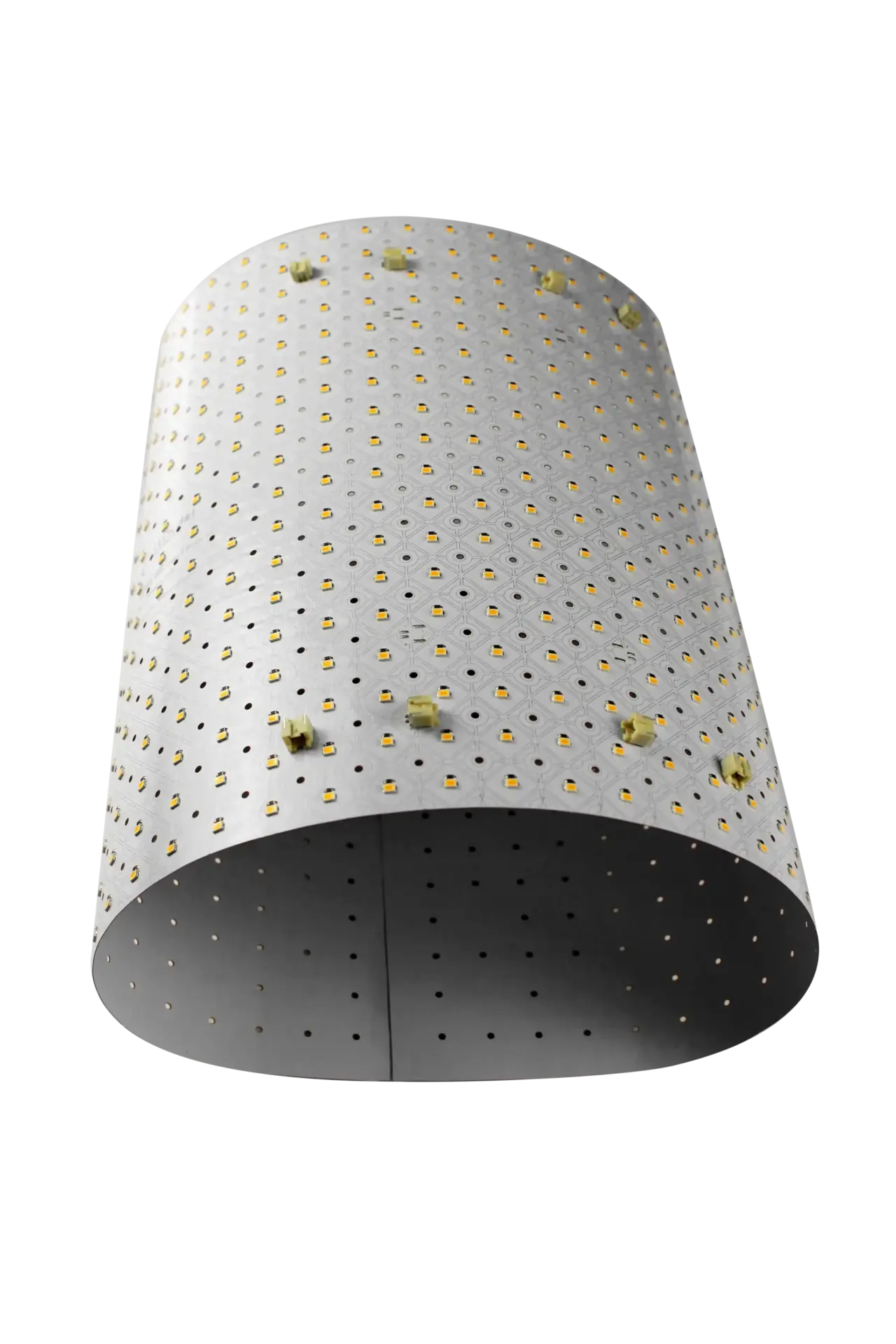
Quick Answer: There are eight common LED backlighting mistakes: an uneven air gap, a tunable white driver sized for one channel, one zone for a large install, drivers no one can reach, cuts off the printed cut lines, assuming every sheet is CRI 90, mixed light sources and unlit edges. LightWave® sheets are under 7 mm thick in total profile, so most of your cavity depth can go to the air gap that prevents hotspots.
Most backlighting problems show up after the stone, fabric or glass is already in place, when they are expensive to fix. These eight come up again and again on flexible LED light sheet projects, and each one is easy to avoid at the design stage.
The eight mistakes at a glance:
1. Leaving the air gap to chance
A sheet lights a surface evenly only when an even gap separates it from the finished material. Denser or thicker materials need more gap. Hold the gap with the LightWave® screw spacer set, placing spacers about every 6 to 8 inches across the width and height. Do not press a diffuser against the LEDs: it hides very little and can trap heat. For the distance to use with your material, see heat management.
2. Sizing a tunable white driver for one channel
A tunable white sheet has two LED channels, and both must be powered. Sizing for a single channel is the most common specification error and leaves the system unable to reach full output. On Generation 1 Plus each sheet draws 2 × 14 W, and on CH2 each sheet draws 2 × 20 W. Tunable white needs a 2-channel driver and RGBW needs a 4-channel driver. Add 15 to 20% headroom, and use the power supply calculator. See also tunable white and RGBW sheets.
3. Putting a large install on one zone
Above 500 W, LUXX recommends driver-per-zone design, so one fault never darkens the whole surface. For example, an 8 ft × 10 ft wall is 80 sq ft, which takes 40 Generation 1 Plus sheets and 560 W of load, so it needs at least two zones. Do not overcorrect, though. Every zone adds a driver and wiring, so group areas that are always lit together.
4. Hiding drivers where no one can reach them
Drivers inside an enclosed cavity are hard to reach and add heat. Keep them outside the cavity in a ventilated, accessible location, label them by zone, and plan a service route before the finish goes on: removable panels, a hinged frame or a rear service corridor. Adding access panels to finished stone or millwork later costs far more than planning them.
5. Cutting anywhere on the sheet
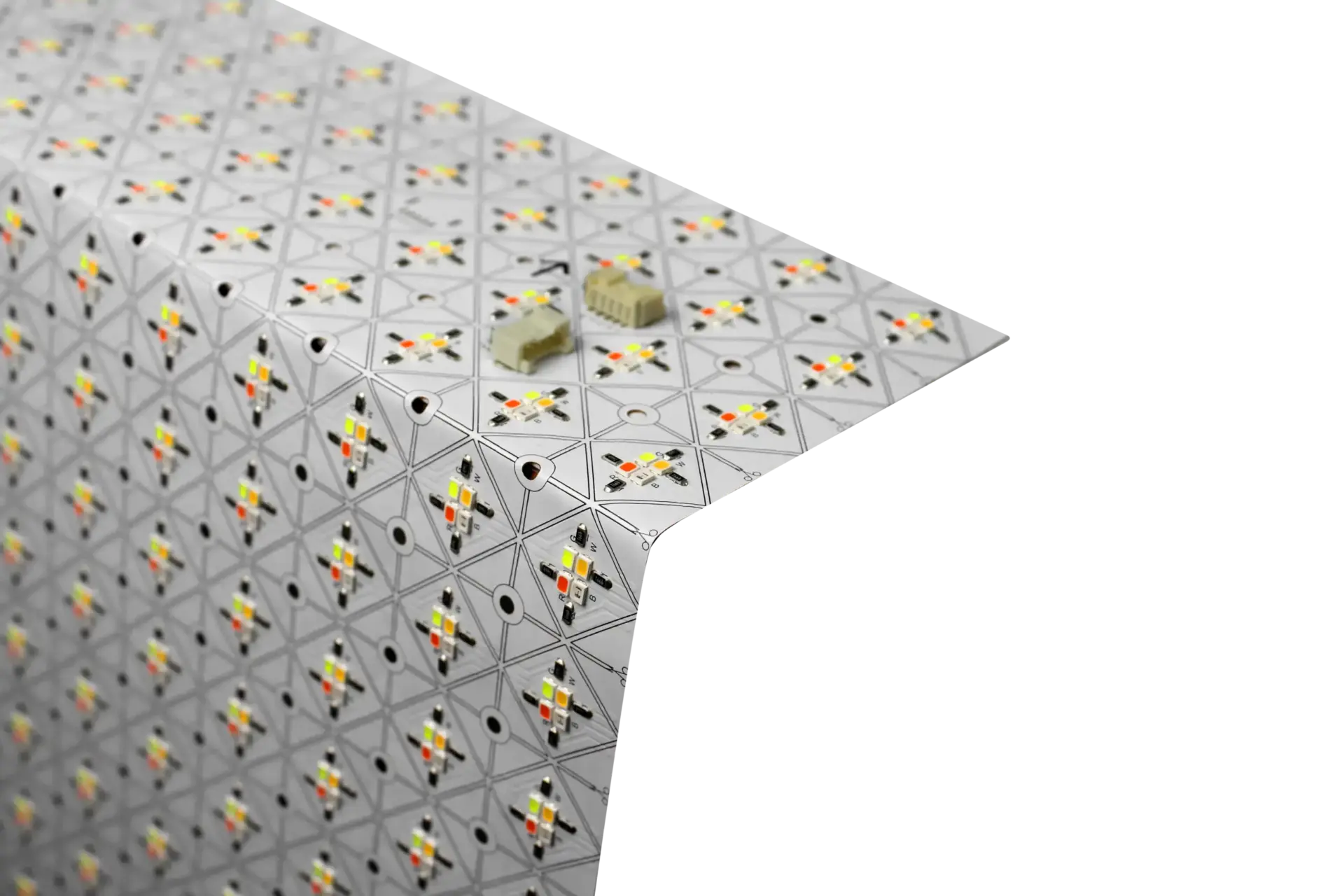
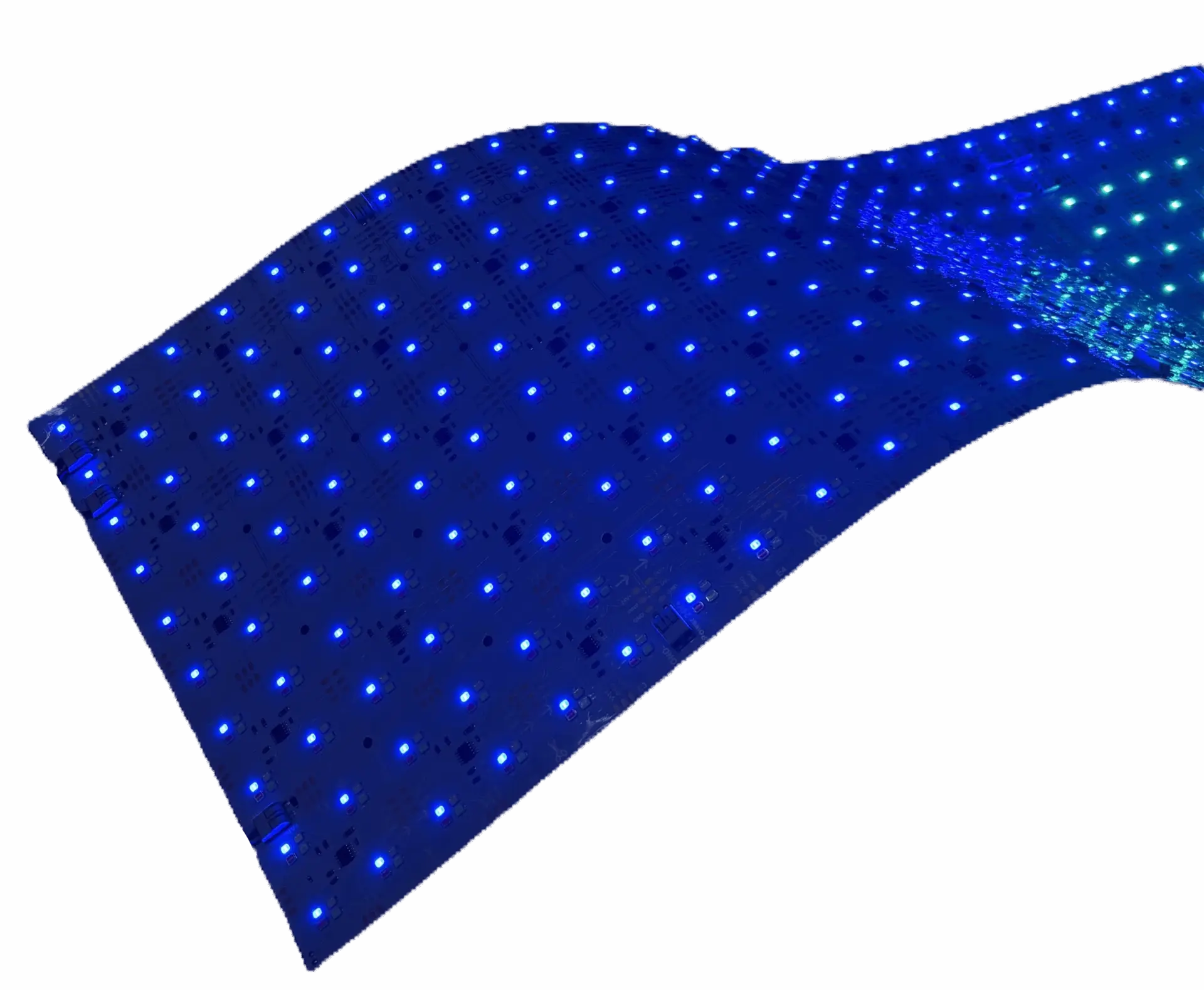
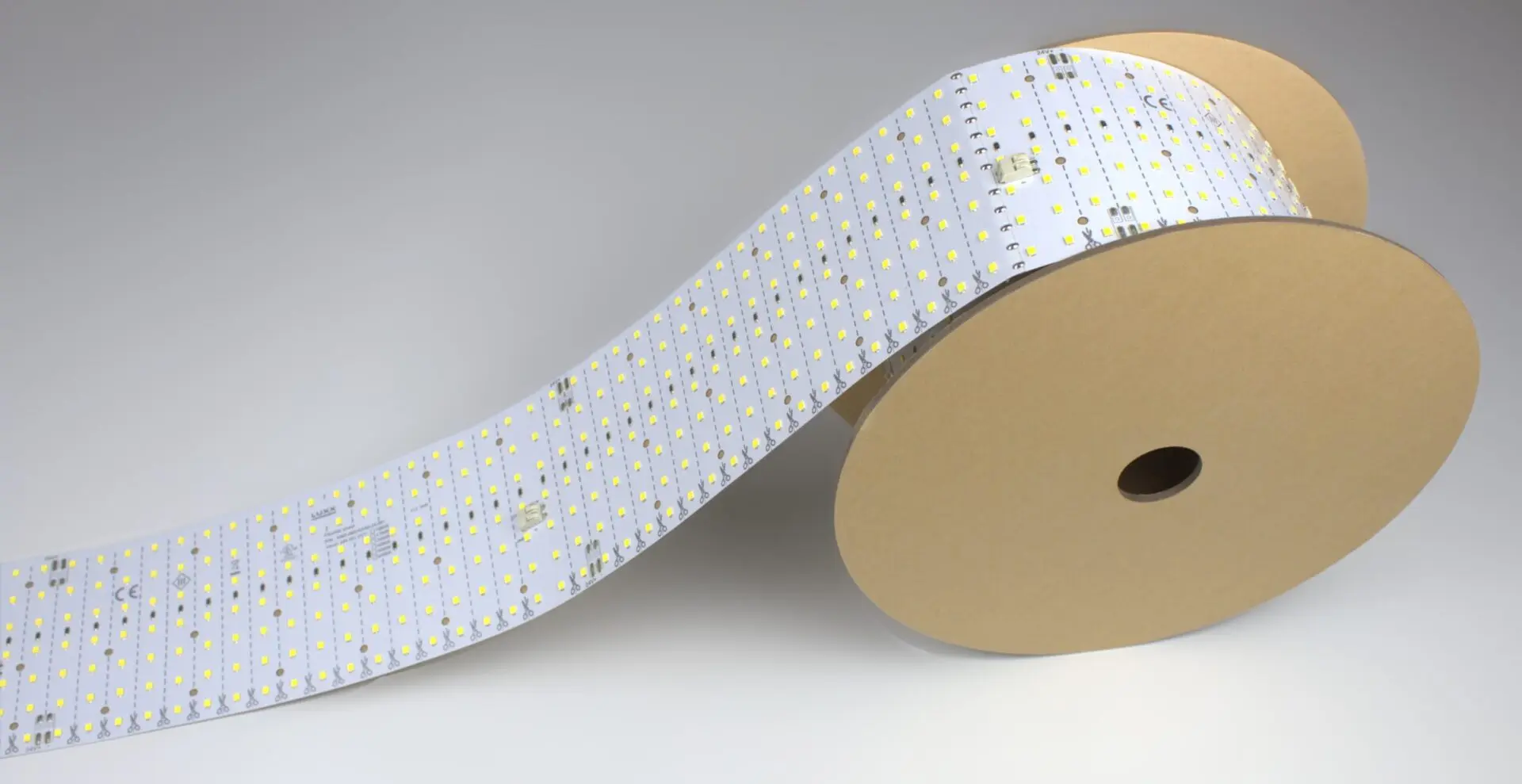
Every LightWave® sheet can be cut, but only along its printed cut lines. PIXX sheets also have to keep their data-in to data-out direction after cutting. Plan your layout around the cut lines before you order. See cuttable LED sheets and addressable PIXX sheets.
6. Assuming every sheet is CRI 90
The LightWave® line is CRI 80+. Only the CH2 RGBW build is CRI 90, while Generation 1 Plus, CH2 tunable white and Roll It! are Ra 80+. Where color must read true, such as merchandise, food, cosmetics or artwork, specify the CH2 RGBW build and ask for R9 as well as CRI. Details are on the CRI page.
7. Mixing light sources in one field
Strips, modules and sheets used together in one field produce visible differences in color and brightness. Use one source and one color temperature per field. If you are choosing between sources, see LED light sheet vs LED strip.
8. Leaving edges unlit
On a luminous ceiling the eye reads the surface from its edges, so carry the sheets right to the perimeter. The same discipline applies to any lit panel. Plan deliberate unlit borders, such as those around outlets and switches, before the material is templated, and check the corners and edges when you test.
How do you catch these mistakes before you order?
Build and test a small backlighting mockup with your real material, then request a project quote.