How to Build a Backlighting Mockup Before You Order
Quick Answer: Build the mockup with your real finished material, the LightWave® variant you plan to use and the same air gap, held with spacers about every 6 to 8 inches. Power it in a dark room and check the face from the main viewing angle, then repeat in normal room light at your planned dim level. Slab density, fabric weight and membrane transmission all change the result.
A backlit surface is only as even as the material in front of the light. A mockup shows you how your material, your sheet and your gap work together before you commit to the full quantity. It also helps you catch several of the problems in 8 common LED backlighting mistakes.
Why build a mockup?
The finished material decides how the light reads, and materials vary more than their names suggest:
- Stone: translucency varies from slab to slab, and translucent quartzite varies more than most onyx.
- Fabric: denser prints need more diffusion distance.
- Ceiling membranes: transmission differs widely from one membrane to the next.
- Glass: clear glass needs more diffusion than heavily colored or textured glass.
What do you need for a mockup?
- A sample of the exact finished material at its real thickness
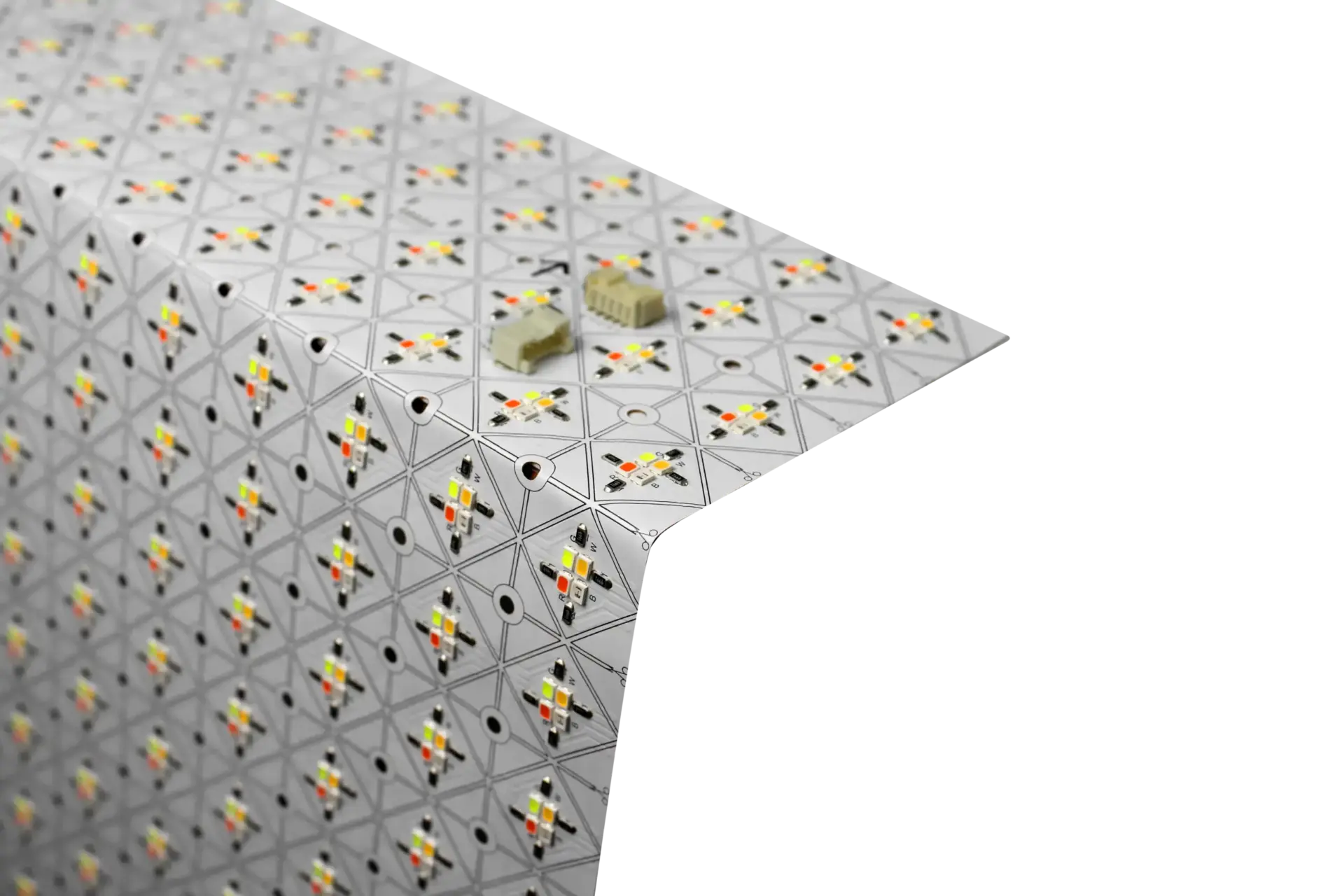
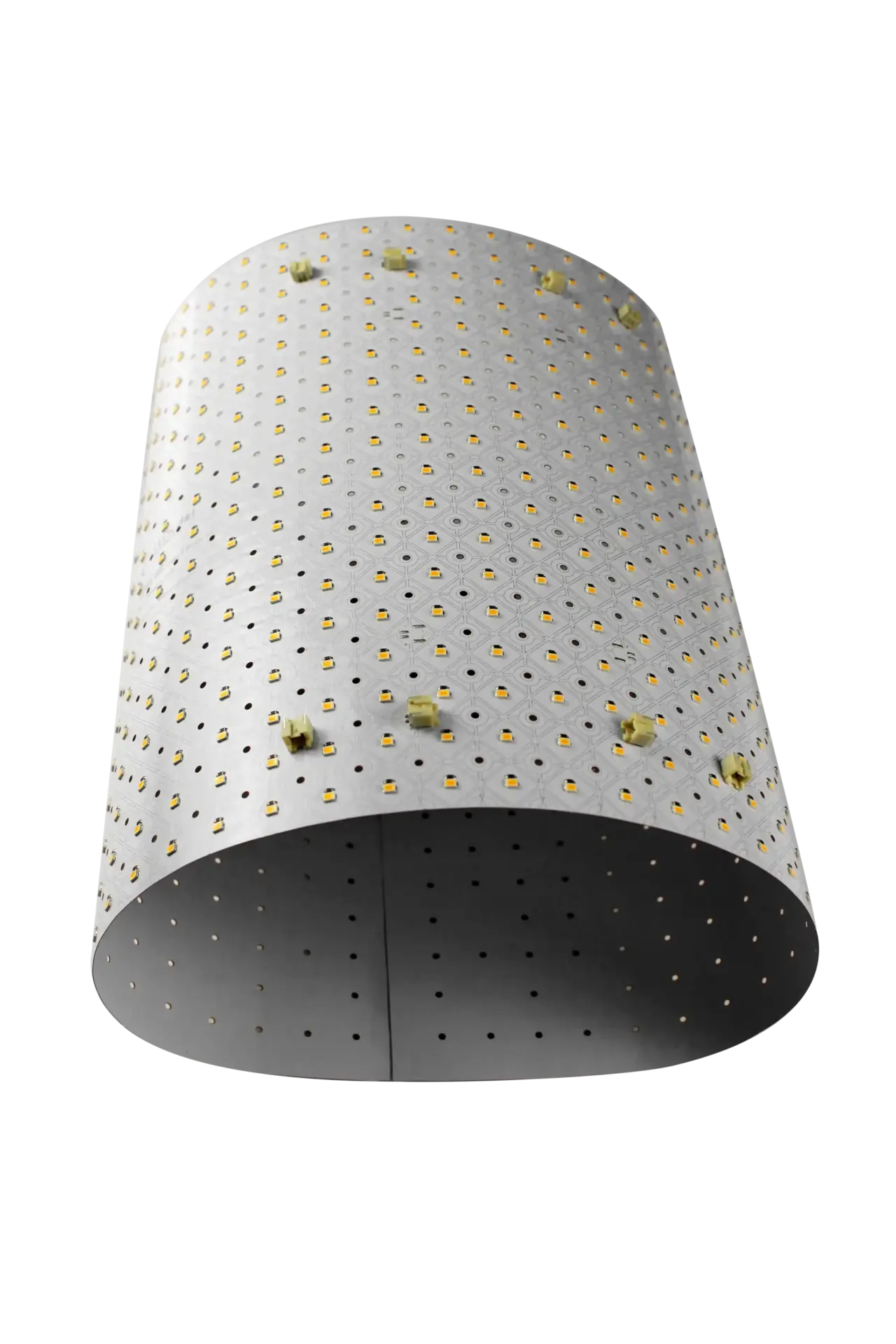
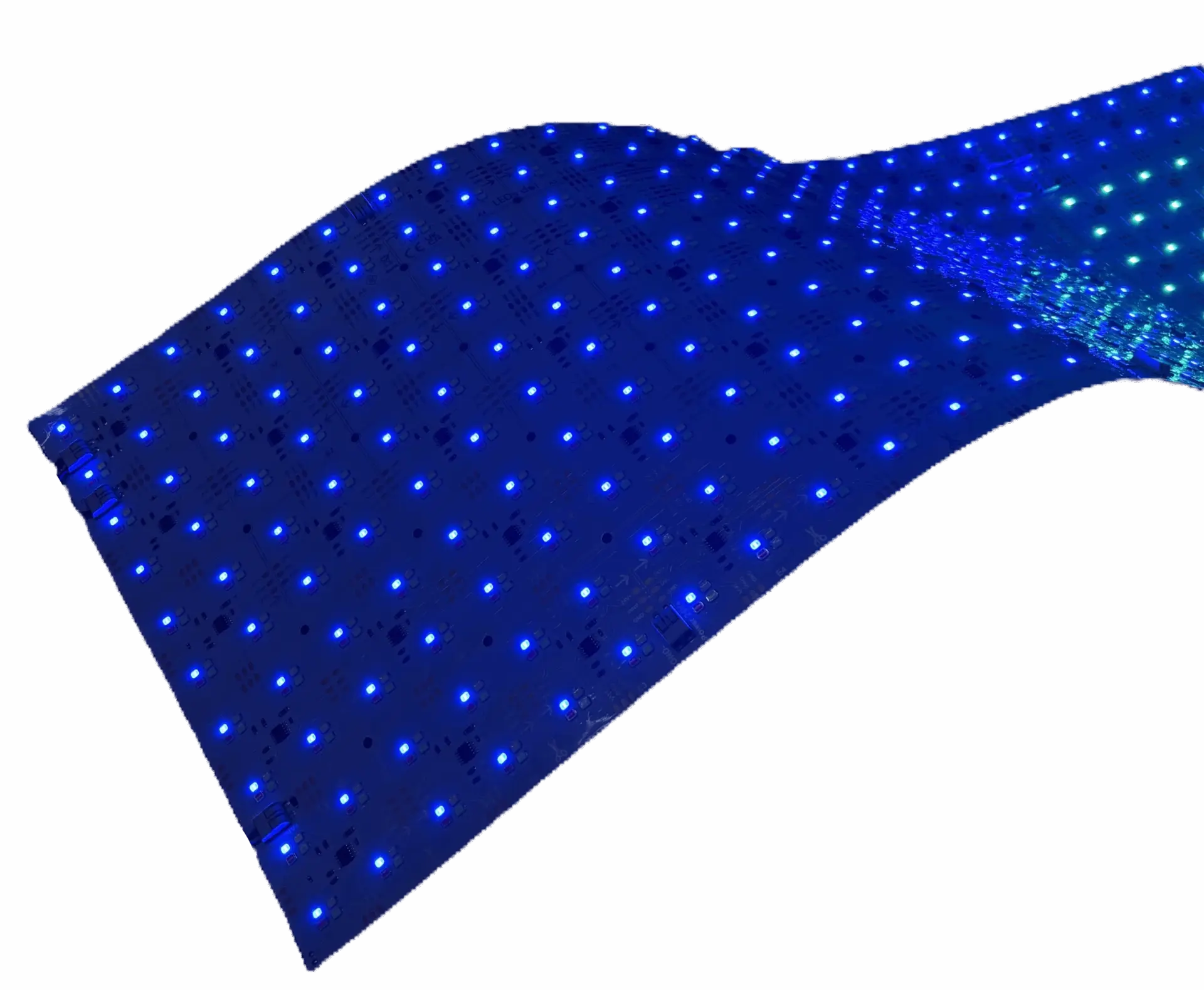
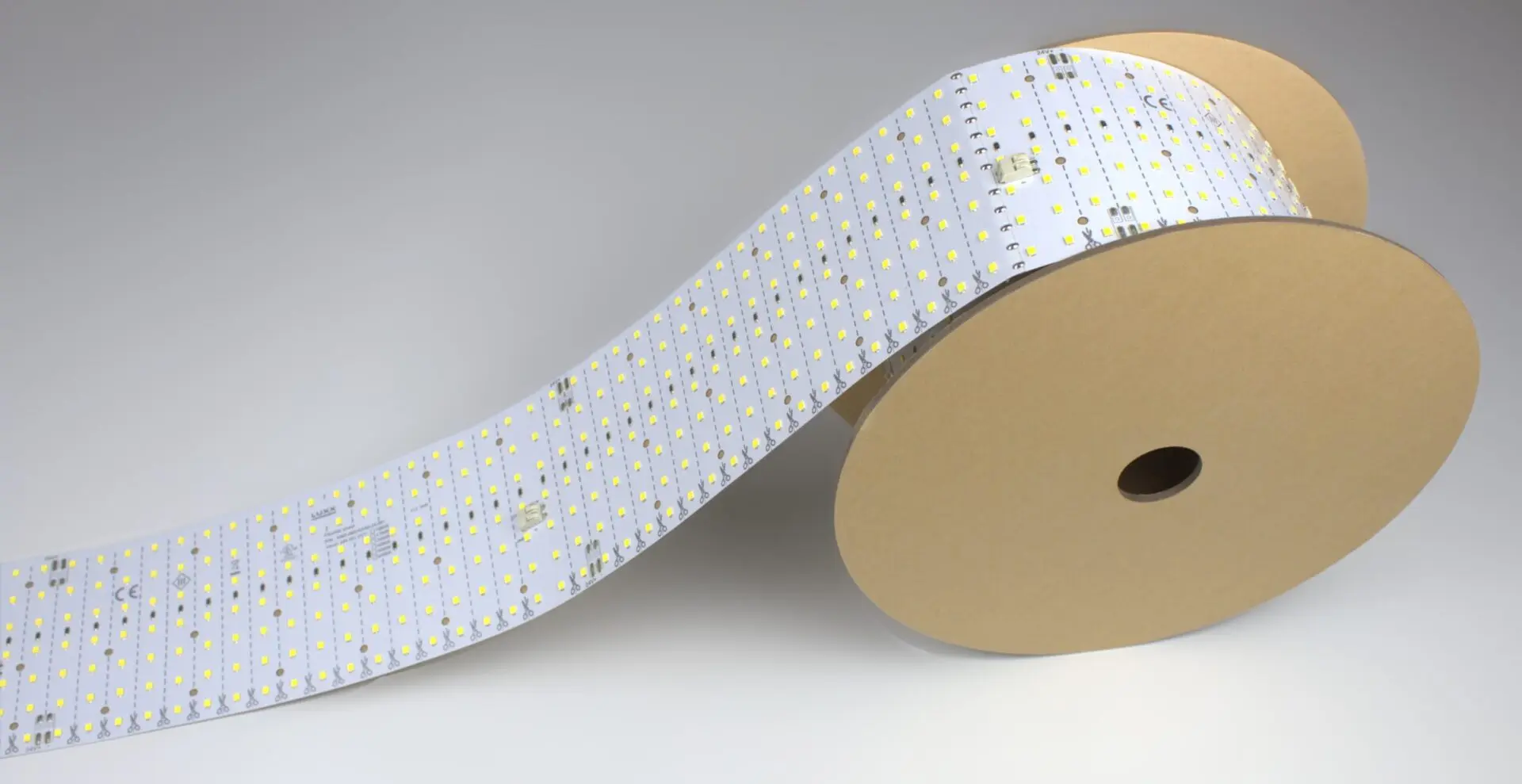
- The LightWave® variant you plan to specify: Generation 1 Plus, CH2, PIXX or Roll It!
- A flat, clean back panel, degreased with 70% isopropyl alcohol
- The LightWave® screw spacer set
- The driver or controller type you will use: 2-channel for tunable white, 4-channel for RGBW, an SPI pixel controller for PIXX
- A diffuser, if your design uses one, such as 1/16″ to 1/8″ opal acrylic
How do you build the mockup?
- Cut the sheet along its printed cut lines to cover the full test area, edges and corners included.
- Adhere the sheet to the back panel.
- Fit the spacer set, placing spacers about every 6 to 8 inches, and set the air gap. Start from the distance on the heat management page and hold it the same across the whole face.
- If your design uses a diffuser, keep an air gap between the sheet and the first diffusing layer.
- Mount the finished material on or in front of the diffuser, in its final orientation.
- Connect the driver or controller. Have a qualified person do the wiring, to local code.
What should you check when you power it on?
- In a dark room, from the main viewing angle, look for visible LEDs, stripes, a bright center with dim corners, and dark joints between sheets.
- Inspect the whole field for dark areas, including the corners and edges.
- Check again in normal room light at the dim level you plan to use.
- For tunable white, step through the color temperature range you plan to use (2700K to 6500K). For RGBW or PIXX, run the colors and zones you plan to use.
What should you record?
Write down the material and its thickness, the gap, the LightWave® variant, the color temperature or control settings, and the dim level. Take photos from the main viewing angle. Then size the driver with the power supply calculator and send your results with your project quote request.