

Quick Answer:LightWave® PIXX provides individually controlled RGB and white LED pixels across a flexible sheet, allowing animated patterns, gradients, color effects and dynamic architectural content. The sheet measures 9.25 × 19.8 inches and contains 800 LEDs arranged as 4 groups of 200. Its dense layout makes it useful for feature walls, signage and installations where programmed visual effects need to fill a surface rather than follow a single line.
Addressable pixel LED sheets give designers individual control of every LED on the sheet — not just the color of the whole surface, but what each pixel does, when. That is what makes motion, gradients, chase effects, and interactive lighting possible on a flexible substrate that still bends around columns and cuts to any shape.
PIXX is the addressable LED sheet in the LightWave® line — every pixel individually controlled over SPI for motion, gradients and animation.
LightWave® PIXX is the addressable member of the flexible LED light sheet line — RGBW pixels under SPI control, delivered on the same ultra-thin, bendable, cuttable substrate as every other LightWave® variant.
What Is an Addressable LED Light Sheet?
An addressable LED light sheet is a flexible LED panel in which every LED (or every small cluster of LEDs) can be commanded independently by the controller. Standard RGBW sheets set the whole surface to one color at a time. Addressable sheets set each pixel to its own color and its own brightness at each moment — which is what makes animation, gradients, and content playback possible on the surface itself.
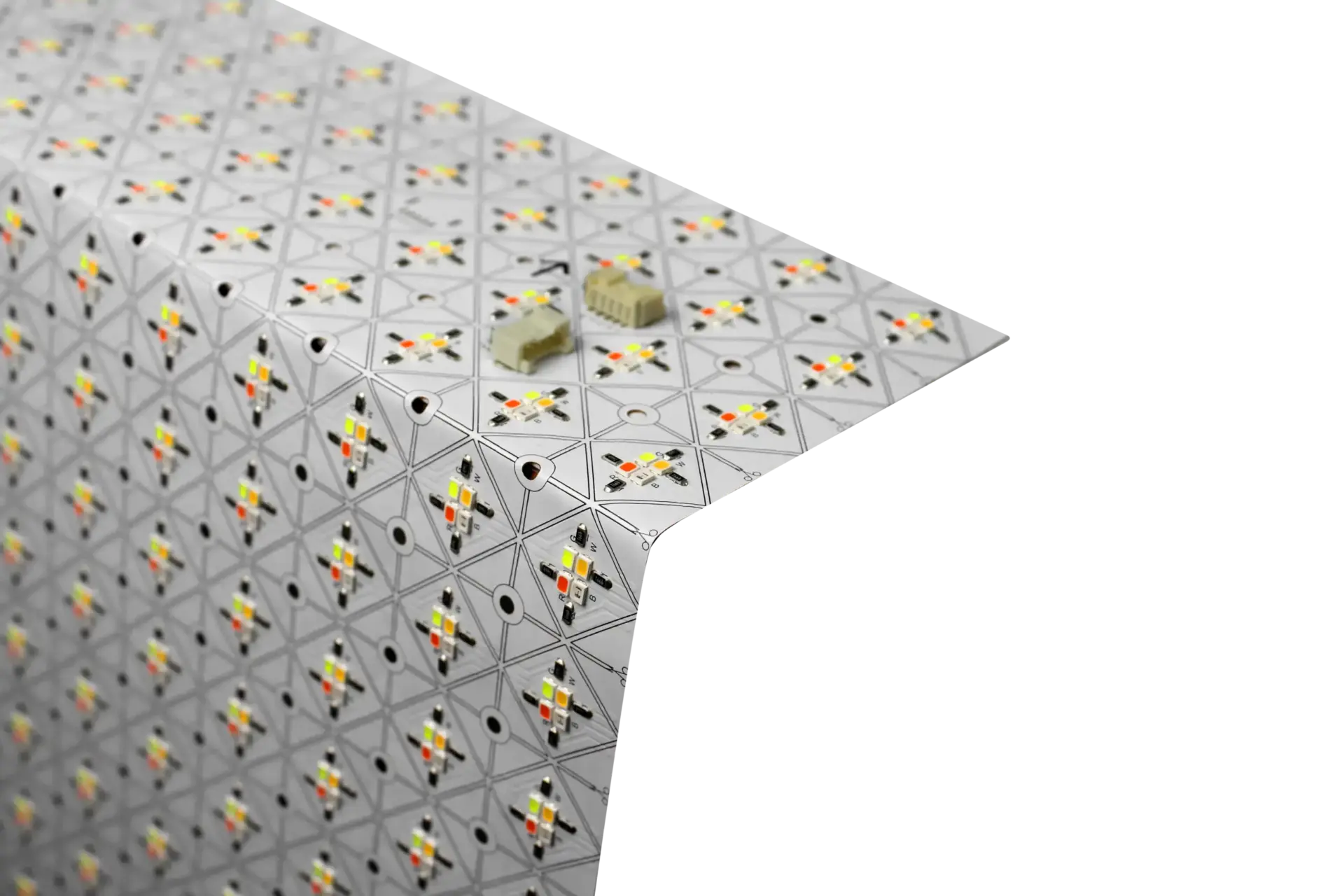
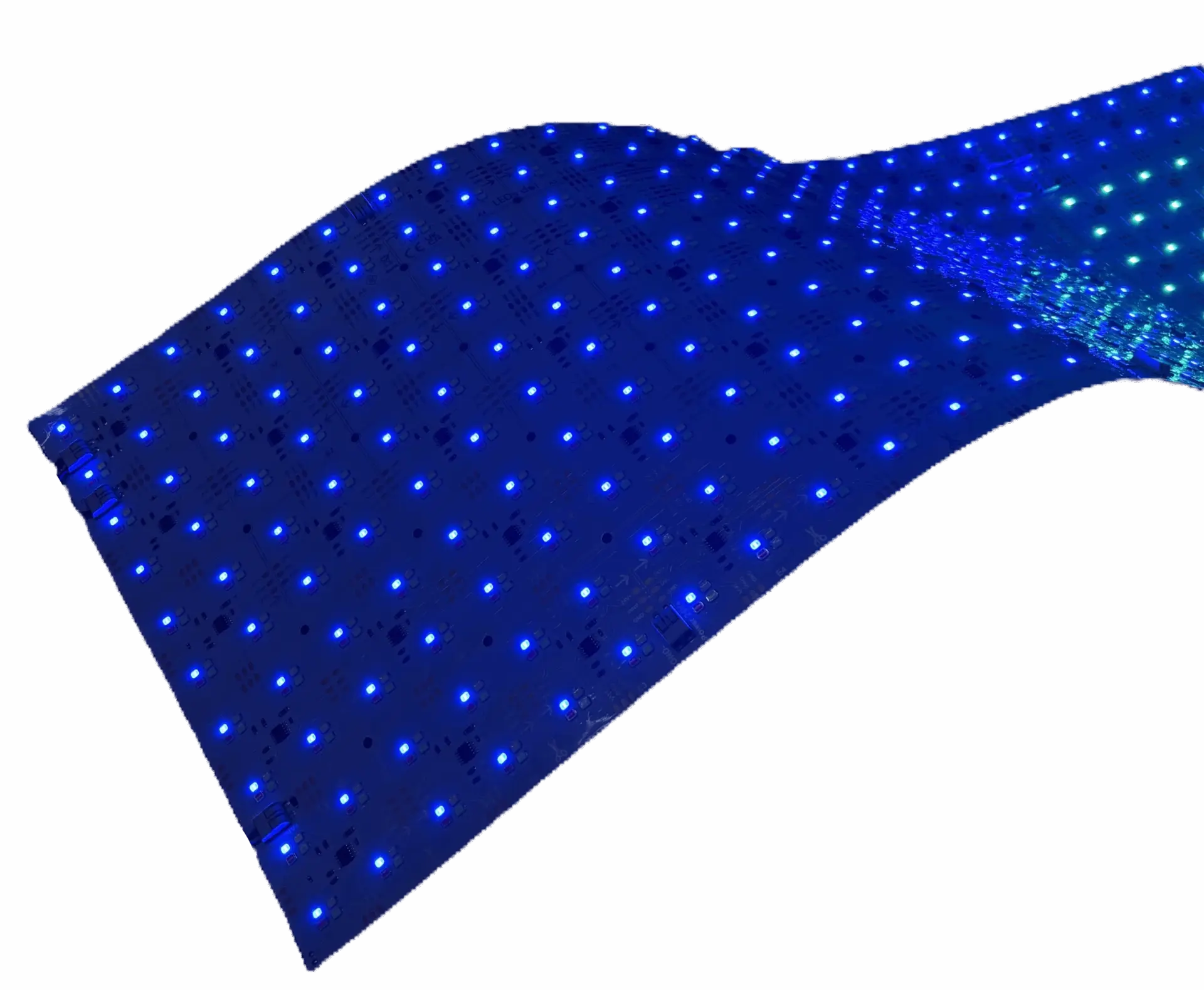
LightWave® PIXX carries 800 LEDs (4 × 200 configuration) inside a 9.25″ × 19.8″ sheet. Each is addressable via SPI. A single PIXX sheet is essentially a low-resolution color display in a form factor that bends, cuts and mounts anywhere a standard LightWave® sheet does.
Pixel-Level Control (SPI Explained)
PIXX uses SPI — Serial Peripheral Interface — for pixel control. SPI is a standard protocol used across the addressable-LED ecosystem: the controller sends a stream of color data down a single data line, and each pixel picks off the bytes intended for it before passing the rest along. Practical implications:
- Pixel-level control — every LED can be a different color and brightness at every moment
- Animation and motion — chase effects, sweeps, gradients, video-mapped content
- Content-driven playback — pre-programmed sequences or live triggered effects
- Wide controller ecosystem — SPI is supported by dedicated LED controllers, Madrix, Advatek, Enttec, Falcon Player, and DMX-to-SPI bridges
“PIXX addressable pixels open up design possibilities that were impossible with traditional backlighting. We can now create dynamic, real-time effects on architectural surfaces.”
— Aweyer, Lighting Applications Engineer, LUXX
Addressable vs Standard RGBW — Which Do You Need?
Both formats give you full color. The difference is granularity of control:
| What you want to do | Right format |
|---|---|
| Set the whole sheet to one color (brand color, mood, scene) and change it globally | Standard RGBW (Gen 1 Plus or CH2) |
| Only need adaptive white light (day-to-evening CCT shift) with no color | Tunable White |
| Motion, gradients, animation, chase, sweeps, per-pixel content across the surface | Addressable PIXX (this page) |
PIXX costs more per square foot and draws more power than a static RGBW sheet — the addressable controller, the driver headroom, and the higher LED count all add up. Spec it when the design actually needs the effect. If the surface is just going to sit on one color, RGBW is the right call.
LightWave® PIXX at a Glance
| Spec | Value |
|---|---|
| Sheet size | 9.25″ × 19.8″ (235 × 503 mm) |
| Colors | RGB + 5000K white |
| Total LEDs per sheet | 800 (4 × 200) |
| Power per sheet | 35 W |
| Power / area | 27.5 W/sqft (295 W/m²) |
| Output at 5000K | 810 lm/sheet (635 lm/sqft, 6,852 lm/m²) |
| LED density | 628 LEDs/sqft (6,768 LEDs/m²) |
| Control | SPI (pixel-level) |
| Profile | < 7 mm, cuttable, bendable, adhesive-backed |
Where Addressable LightWave® Fits
Use PIXX when the light itself is part of the design — when it moves, tells a story, or reacts to input:
- Dynamic feature walls and ceilings — reception areas, atriums, retail hero walls
- Backlit signage and graphics — animated channel letters, kinetic branding, media-facade sections
- Architectural accent — cove lighting that breathes, wraps a column, or paints a facade
- Stage and event lighting — set pieces, LED walls, touring rigs where every fixture needs its own cue
- Interactive installations — museums, brand experiences, tradeshow environments where visitor input or sensor data drives the lighting
- Hospitality and bars — feature walls that shift through the night, back-bar surfaces that pulse with the music
Compatible Controllers & Content Tools
PIXX needs an SPI-capable pixel controller sized to the pixel count and a driver sized to the power draw. Common approaches:
- Dedicated pixel controllers — Madrix, Advatek PixLite, Enttec Pixelator — for large installs with many universes
- DMX-to-SPI bridges — when the venue already runs on DMX and PIXX is being added to an existing rig
- Standalone show players — Falcon Player and similar, for pre-programmed content on architectural installs
- Content mapping software — Madrix, Resolume, JINX!, xLights — to design the sequences that get pushed to the controller
Size the driver by multiplying pixel-count × per-pixel wattage, plus 15–20% headroom. Or use our LED power supply calculator. LUXX supplies matched controllers and drivers as part of a project quote.
Installation Overview
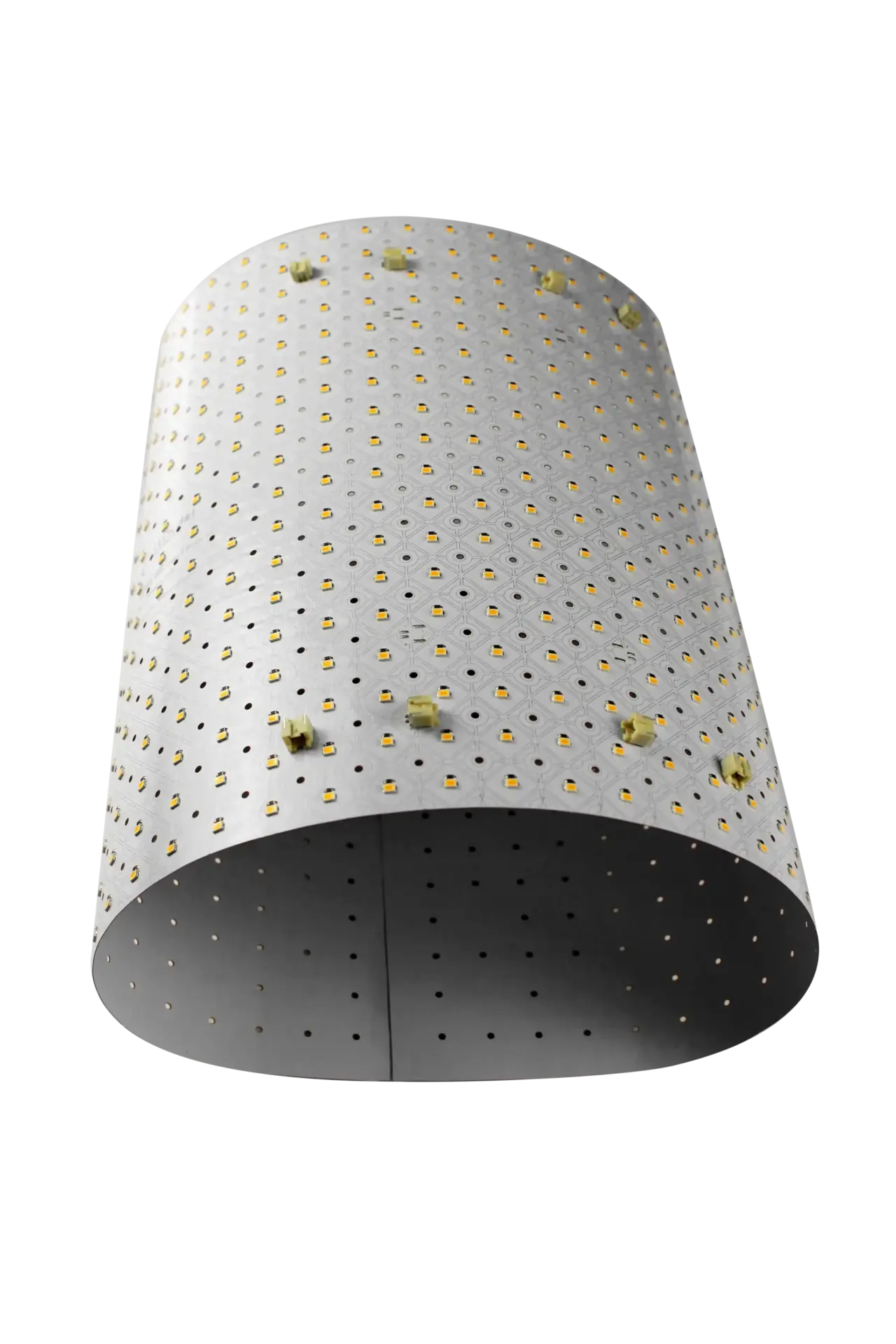
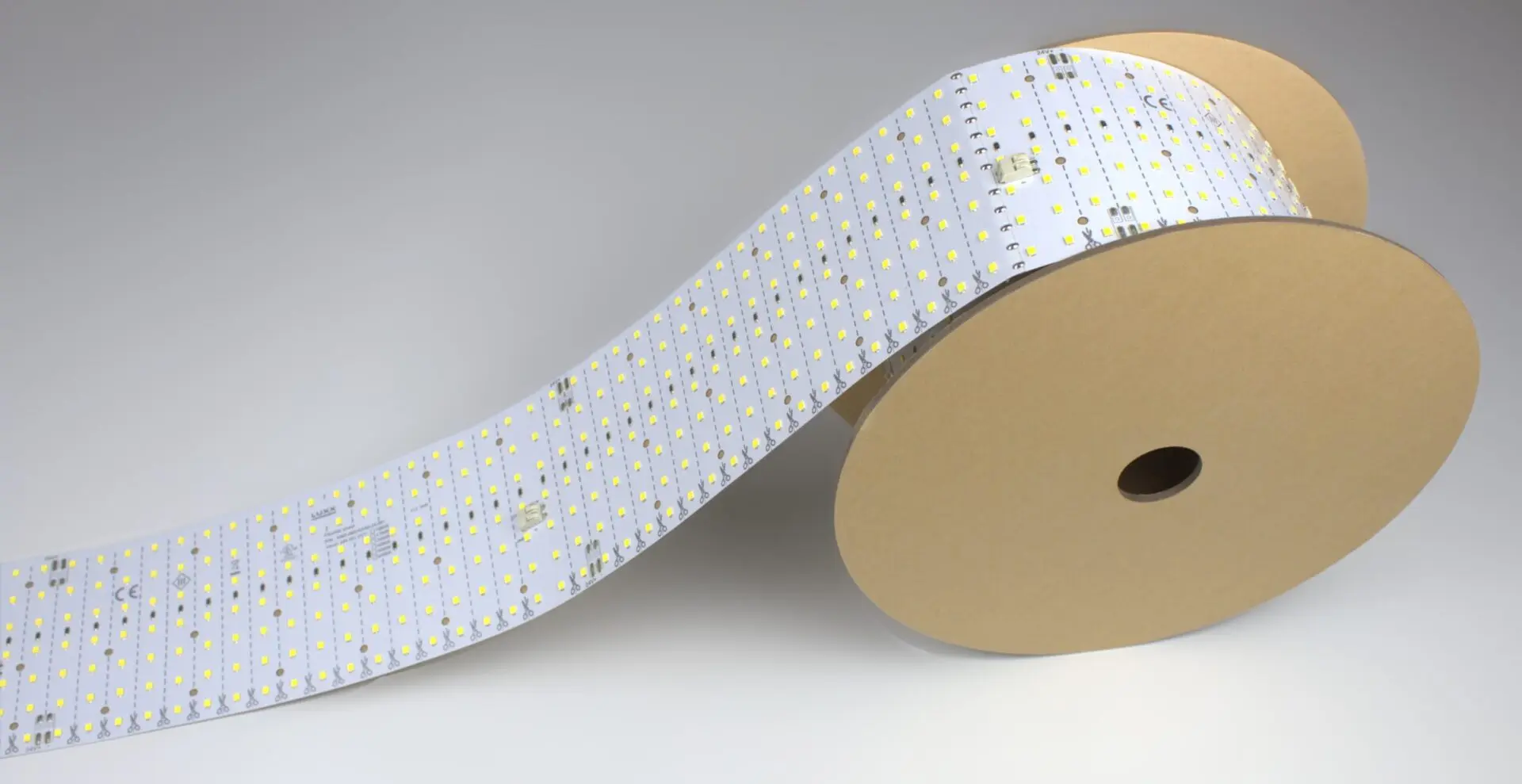
Install is the same substrate as every other LightWave® — cut to length, peel the adhesive backing, apply to a clean surface. The difference is the wiring: instead of a single power lead, PIXX needs a power lead plus an SPI data lead from the controller. Follow the marked data-in / data-out arrows on each sheet — SPI is directional. Use the screw spacer set for installs behind fabric or diffusers to control hotspots and dissipate heat.
LightWave PIXX (Addressable)
- Individual pixel control via SPI protocol
- Full RGB color gamut
- Supports animations and real-time effects
- Works around curves and complex shapes
Explore More
- Flexible LED Light Sheets — Full range
- RGBW LED Light Sheets — Full-color LED sheets
- Dynamic LED Feature Walls — Real-world applications