Quick Answer:
Yes. RGBW sheets have four independent channels — red, green, blue and white — so they need a 4-channel driver or controller. A single-channel driver will light the sheet but cannot mix color. LightWave® Generation 1 Plus RGBW draws 4 × 4 W per sheet; CH2 RGBW draws 4 × 11 W.
RGBW LED light sheets combine red, green and blue color-changing channels with a dedicated white LED channel — giving designers full-spectrum color for scenes and effects, plus real 5000K white light when the space needs to read as white. This is the practical advantage over three-channel RGB: white made by mixing R+G+B is muddy and low-CRI, but a dedicated white LED gives clean, high-CRI daylight from the same sheet.
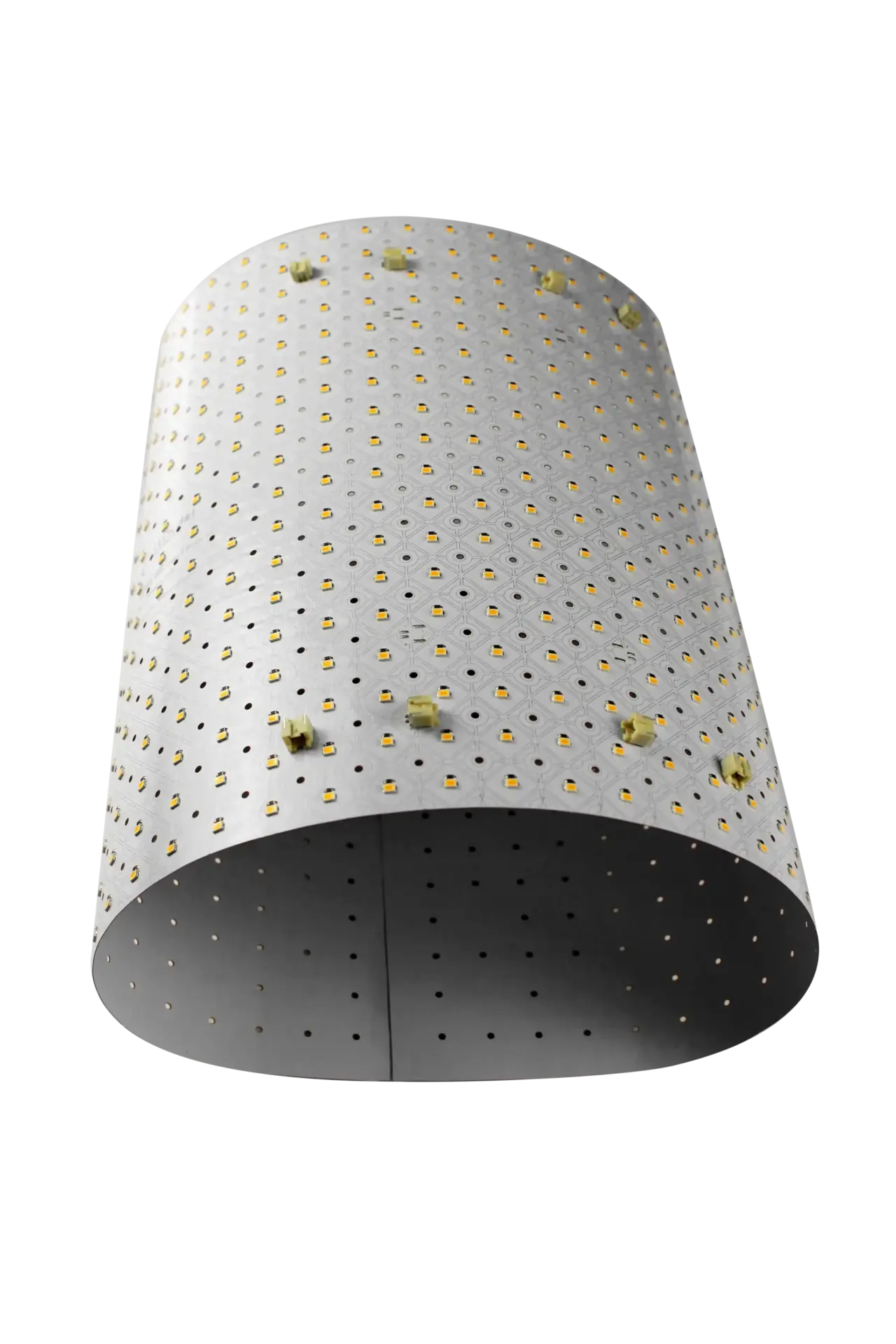
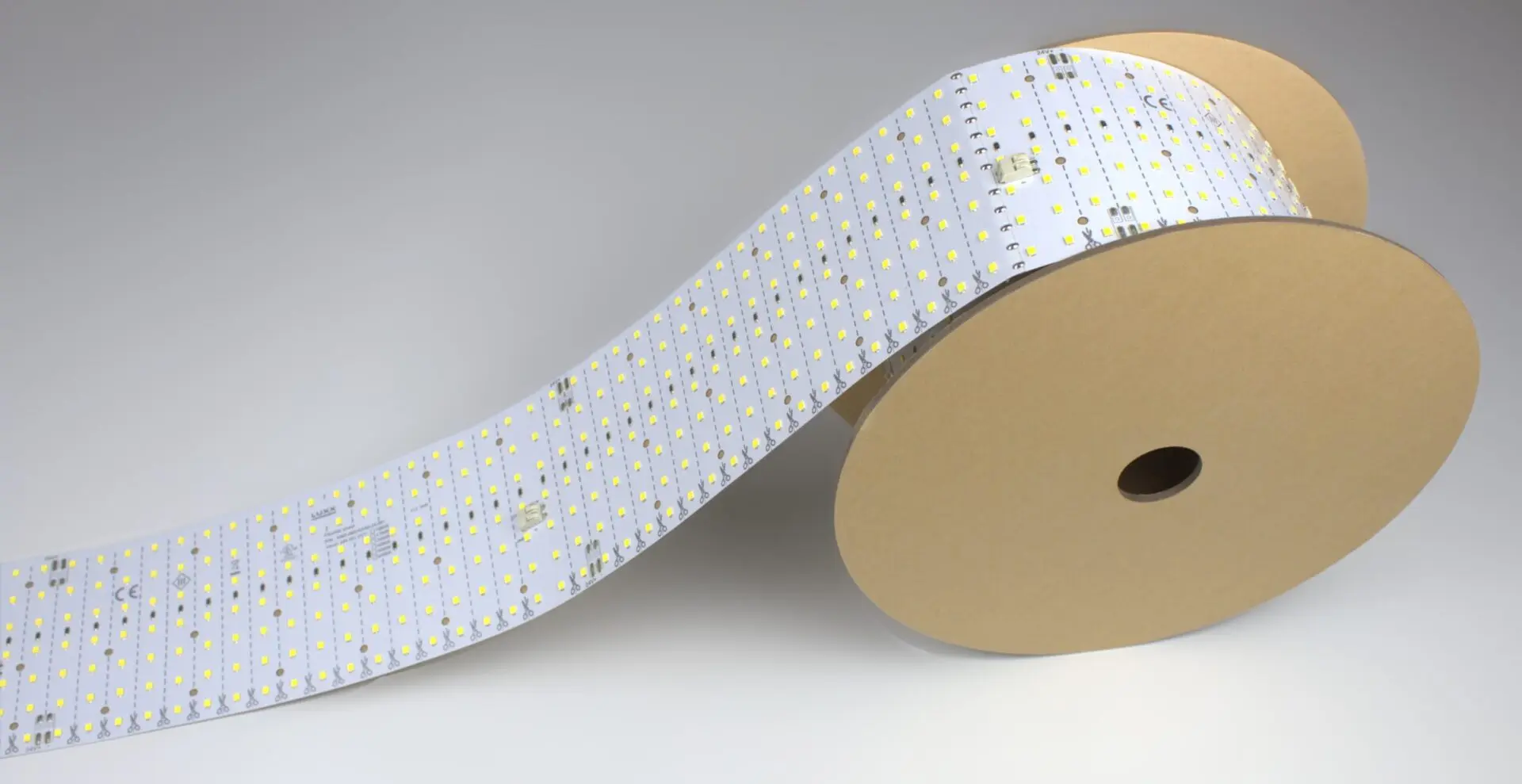
LightWave® ships two RGBW variants in the flexible LED light sheet line: Gen 1 Plus RGBW (efficient) and CH2 RGBW (higher-CRI, higher-output). Both are 12″ × 24″, under 7 mm thick, cuttable and adhesive-backed.
What Is an RGBW LED Light Sheet?
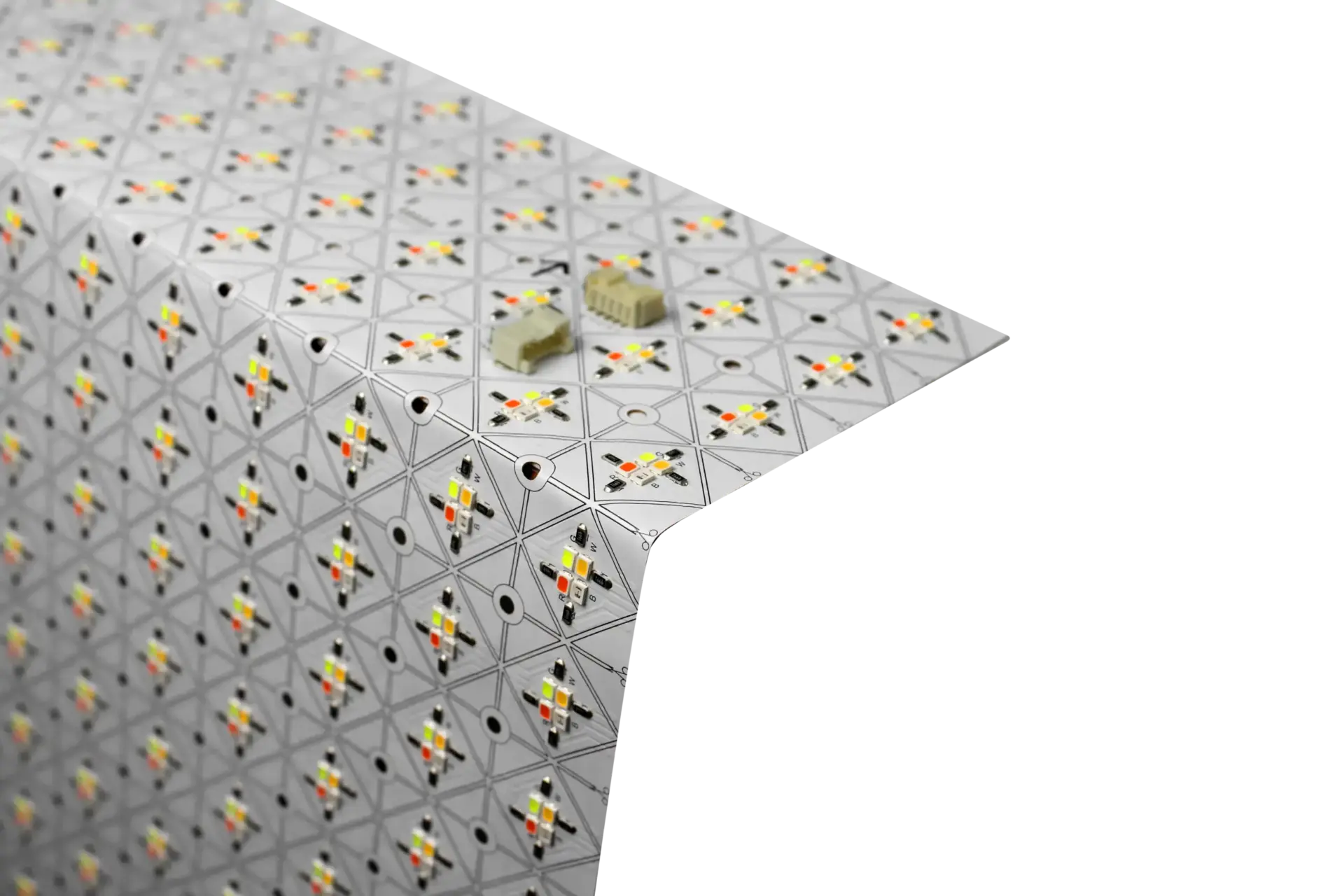
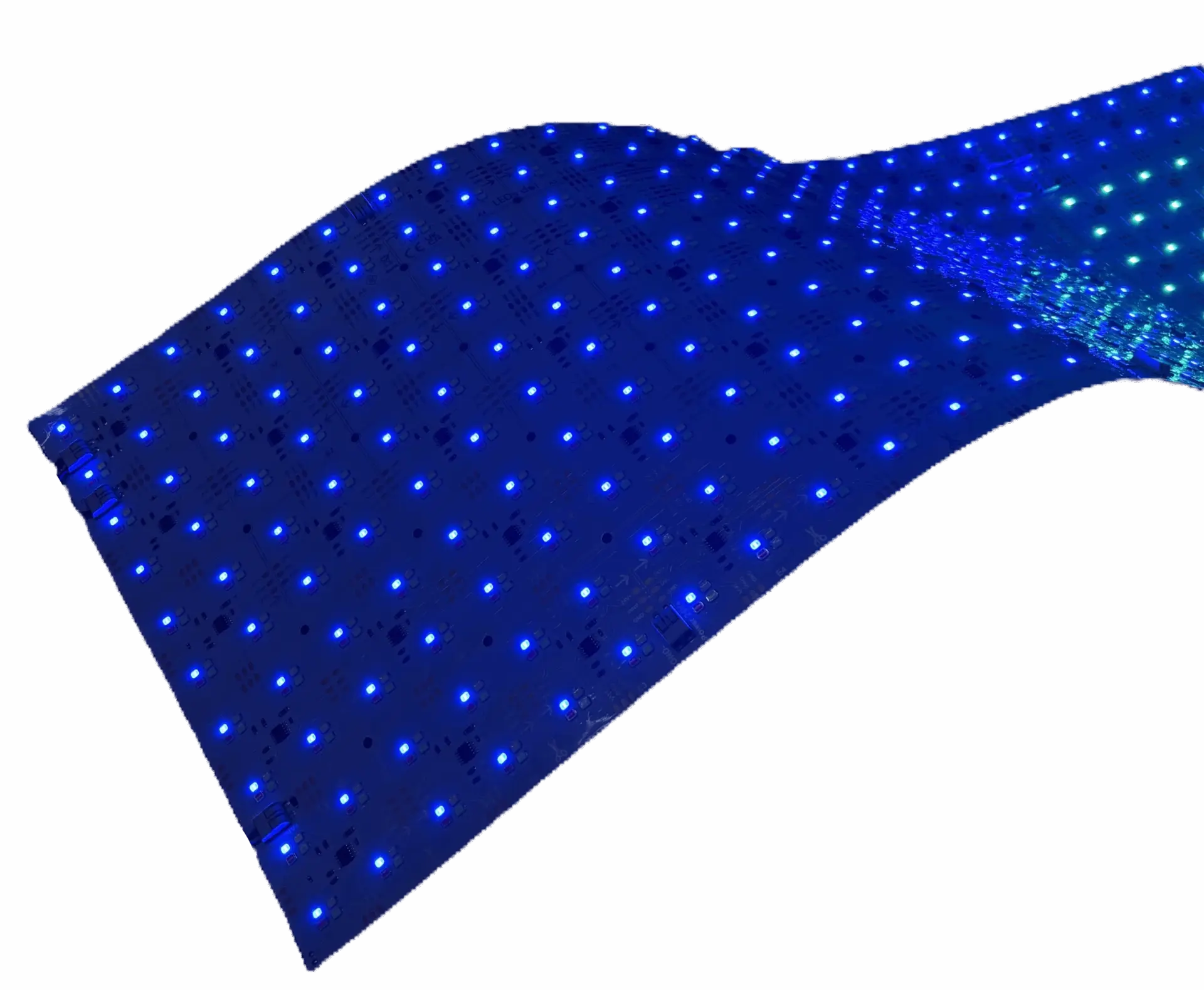
An RGBW LED light sheet is a flexible LED backlighting panel with four channels of LEDs — red, green, blue, and a dedicated white — all controllable together through a driver or controller. You can drive it to any color in the RGB gamut, dial in warm or cool tints, or drop the color channels entirely and run it as a pure white surface.
LightWave® RGBW packs 4 × 288 LEDs per sheet (1,152 LEDs total) in a 12″ × 24″ (305 × 610 mm) format — one channel each for R, G, B and 5000K white. Each channel is independently addressable at the driver level; every LED within a channel operates as a group.
“[Engineer’s own words: when RGBW is the right choice over single color]”
— Aweyer, Lighting Applications Engineer, LUXX
Why RGBW Instead of RGB — The White LED Matters
Three-channel RGB sheets can approximate white by driving all three channels simultaneously, but the result has three problems:
- Poor color rendering — mixed white from RGB has big spectral gaps; a red apple can look brown, a face washes out
- Inefficient — running three channels at full draw to approximate one color wastes power vs. a dedicated white LED
- Wrong Kelvin — RGB “white” is not any specific CCT and shifts as any channel drifts
RGBW solves all three by adding a fourth channel of dedicated 5000K LEDs. Run the sheet as color when you want color, as clean daylight white when you don’t. On the CH2 RGBW variant, that white channel is rated CRI 90 — retail- and museum-grade color accuracy from the same sheet that also does full-color effects.
LightWave® RGBW — Gen 1 Plus vs CH2
Both variants share the same 12″ × 24″ size, the same 4-channel R/G/B/5000K layout, and the same cuttable, bendable, under-7 mm substrate. What differs is output, efficiency, and CRI:
| Variant | Total power | Efficiency | White output (5000K) | CRI (white channel) | Best for |
|---|---|---|---|---|---|
| Gen 1 Plus RGBW | 4 × 4 W (16 W total) | 123 lm/W | 490 lm | 80+ | Efficiency-led specs; longer runs per driver; general architectural color-effect work |
| CH2 RGBW | 4 × 11 W (44 W total) | >90 lm/W | 900 lm | 90 | Retail, hospitality, museums — anywhere the white channel has to render color truthfully; brighter per sheet |
CH2 draws roughly 2.75× the power of Gen 1 Plus, but delivers ~1.8× the white output and steps up from CRI 80+ to CRI 90. If the whites matter for the design — retail merchandise, food, art, human faces — CH2 is the right spec. If the sheet will run mostly as color and only occasionally as white, Gen 1 Plus is more efficient.
The CH2 CRI 90 Advantage
CRI (Color Rendering Index) measures how faithfully a light source renders the true color of the objects it illuminates, scored against daylight on a 0–100 scale. Most commercial LED backlighting rates 80+ — fine for general lighting, marginal for color-critical work. CRI 90 is the specifier bar for retail, hospitality, museums, and anywhere merchandise, food, art or people need to look right.
CH2 RGBW is one of very few RGBW flexible sheets that hits CRI 90 on the white channel. For a full explanation of what CRI is and why it matters, see our CRI defined in our glossary.
Where RGBW LightWave® Fits
- Retail display backlighting — brand color for seasonal campaigns, high-CRI white for daily merchandising (CH2)
- Hospitality — bar back-walls, restaurant feature walls, hotel lobbies shifting from color scenes to warm white service light
- Museum and exhibit lighting — color-changing scenes for interactive displays, CRI 90 white for artifact-accurate detail (CH2)
- Architectural feature walls — set the space to a brand color; shift to clean daylight for photography or events
- Backlit signage — animated color signage that can also render brand PMS colors accurately
- Trade-show and event backdrops — one sheet, every scene; no fixture swaps between color and white looks
If the design needs per-pixel motion or animation across the surface, spec addressable pixel LED sheets (PIXX) instead. If only adaptive white is needed with no color at all, spec tunable white — same sheet size, lower cost per square foot.
Compatible Controllers & Drivers
LightWave® RGBW needs a 4-channel driver or controller to drive R, G, B and W independently. Common compatible protocols:
- DMX (a full RGBW fixture consumes 4 DMX channels)
- DALI DT8 (Type 8, RGBWAF sub-type)
- 0–10 V with a 4-channel RGBW-aware controller
- Direct RGBW controllers with pre-set scenes and app control (common in hospitality and residential-adjacent installs)
Size the driver by multiplying total per-sheet power (16 W Gen 1 Plus, 44 W CH2) by the number of sheets in the run, plus 15–20% headroom. Or use our LED power supply calculator. LUXX supplies matched drivers and controllers as part of a project quote.
Installation Overview
Install is the same as every other LightWave® sheet — cut along marked lines to size, peel the adhesive backing, apply to a clean surface, connect to the 4-channel RGBW driver. Use the screw spacer set on shallow cavities and behind fabric or diffuser panels to control hotspots and dissipate heat. See our cuttable LED sheets page for the trim procedure.