“How much does it cost?” is the first question on almost every backlighting project, and the least useful answers are a single sheet price or a vague “it depends.” This guide shows exactly what you are paying for, how to estimate each part from your own dimensions, and where the money goes on the four project types we quote most often: backlit onyx countertops, backlit onyx walls, backlit signs and SEG lightboxes.
Whether you are planning a residential feature, a commercial interior, or illuminated signage, understanding the cost components helps you make informed decisions before requesting a quote.
What Makes Up the Cost of LED Sheet Backlighting?
Every LED sheet backlighting package has the same five parts. The sheets are only one of them.
LED Sheet Backlighting Cost Breakdown
Explore the main cost factors and learn how to estimate the materials, electrical components, controls, and installation.
| Cost Component | What Drives the Cost | How to Estimate It |
|---|---|---|
| LED Sheets or Rolls Materials |
Lit surface area and product variant, including single color, tunable white, RGBW, or addressable lighting. | Divide the area by 2 sq ft per 12″ × 24″ sheet and round up. For Roll It!, calculate the required run length. |
| Drivers and Power Supplies Electrical |
Total wattage, required headroom, and the number of lighting zones. | Calculate the total load and allow 15–20% additional capacity. Use the LED Sheet Power Supply Calculator. |
| Lighting Controls Control Systems |
Dimming requirements, color temperature adjustment, RGBW control, or pixel animation. | Allow for the appropriate controller for each independently controlled zone. Addressable lighting requires an SPI controller. |
| Diffusion and Mounting Installation |
The material in front of the LEDs, available cavity depth, and mounting requirements. | Account for mounting spacers and any diffusion acrylic. Explore LED Sheet Diffusers and Translucent Materials. |
| Installation Labor Labor |
Surface preparation, cutting, wiring, driver installation, and service access. | Estimate labor according to the number of sheets, installation conditions, and complexity of the project. |
Final costs depend on product specifications, power requirements, mounting materials, installation conditions, and project complexity.
As a preliminary planning allowance, a single 12″ × 24″ sheet may take approximately 30–60 minutes to install, including preparation and driver wiring. Actual installation time varies with the substrate, wiring layout, access, and project requirements.
How Do You Estimate LED Sheet Quantity for a Budget?
Before estimating material costs, calculate the illuminated surface area. The required sheet count depends on the dimensions of the product you choose.
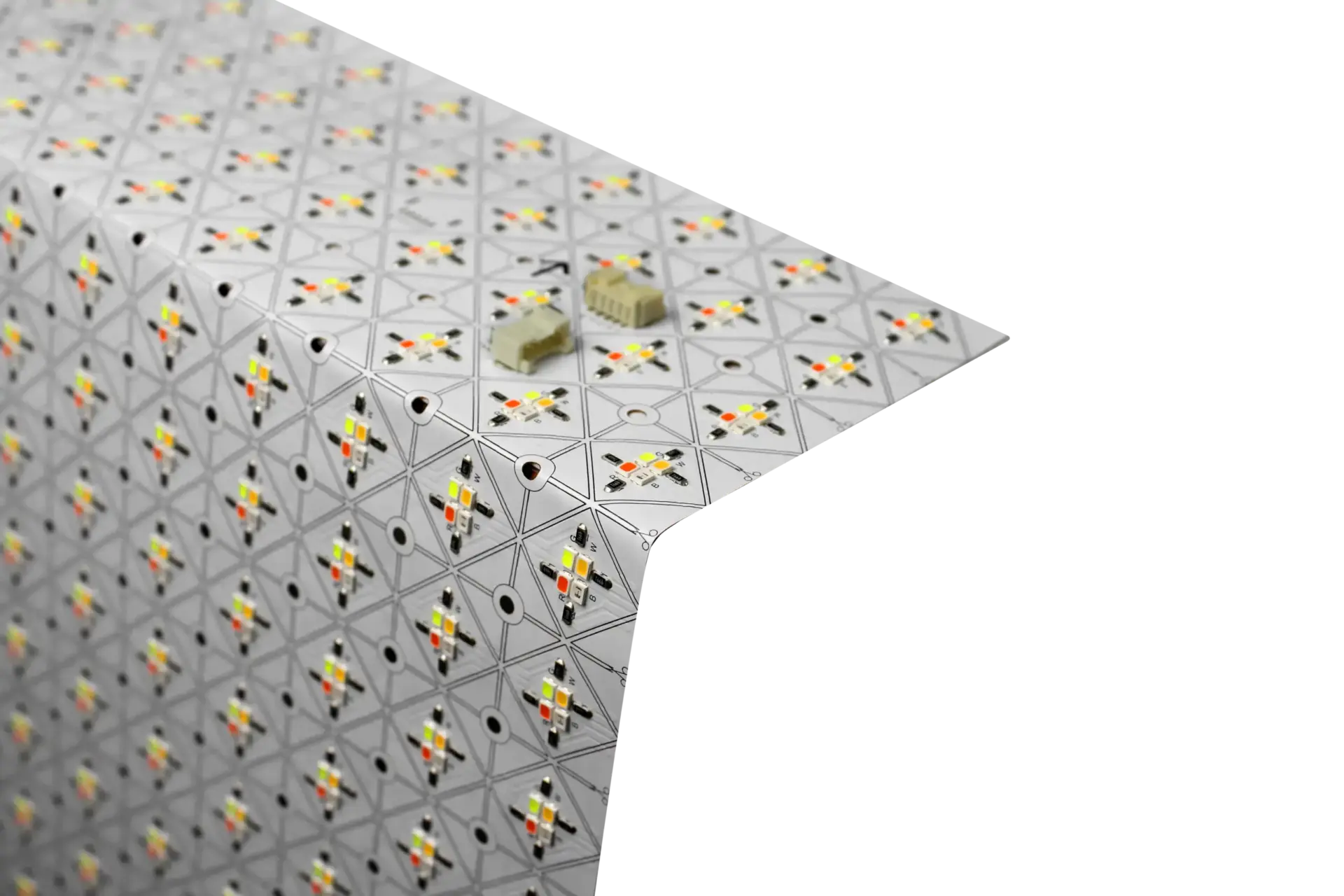
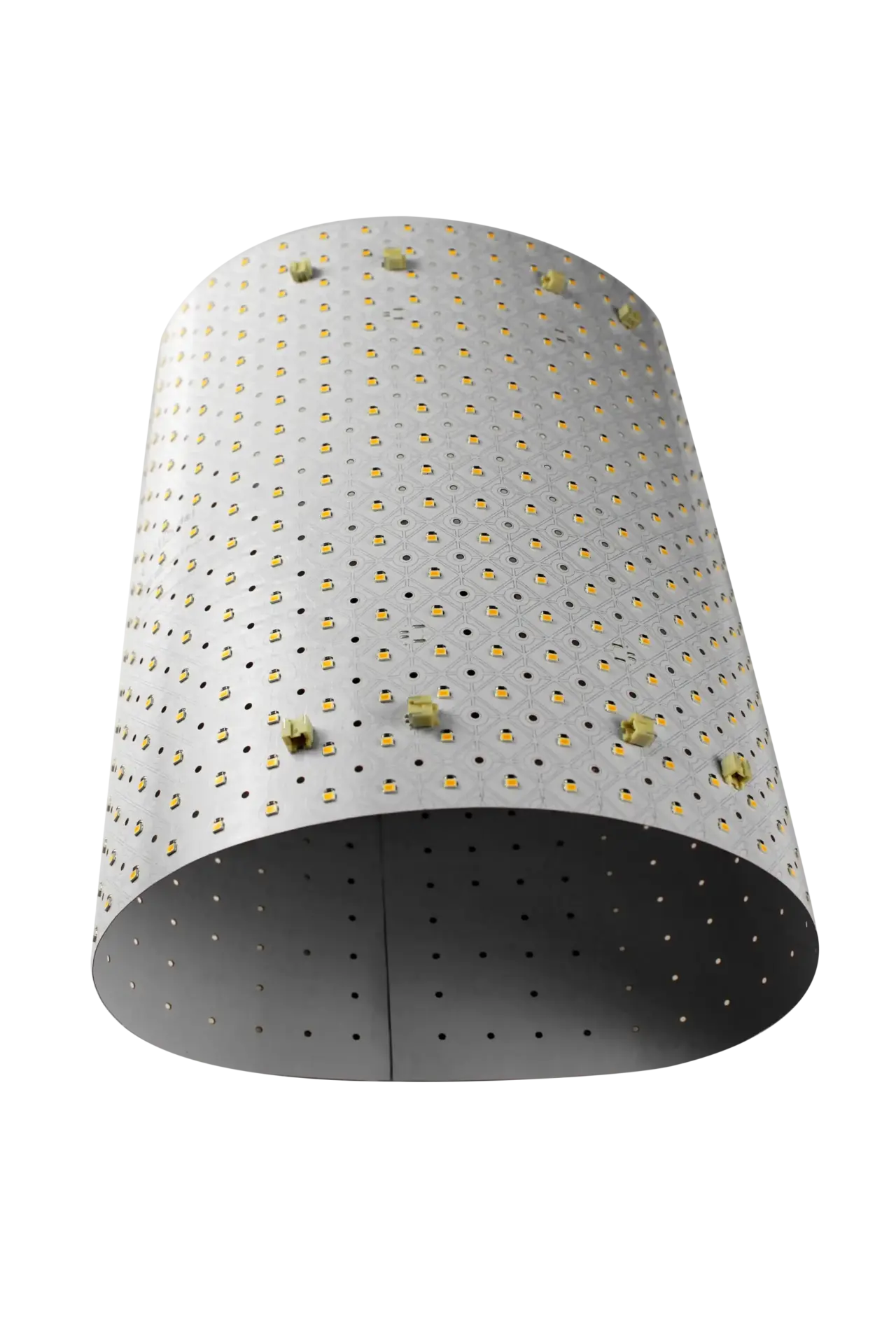
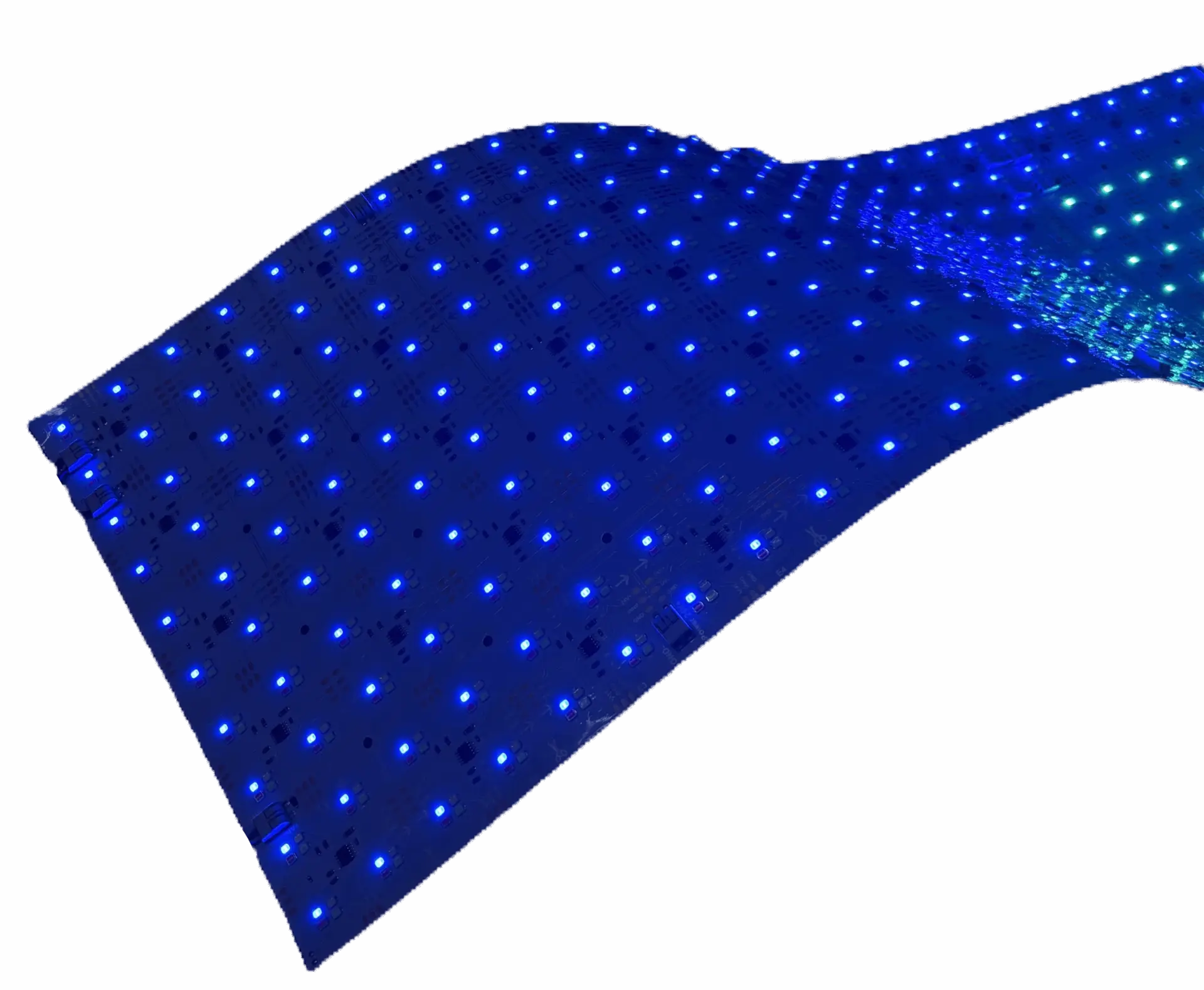
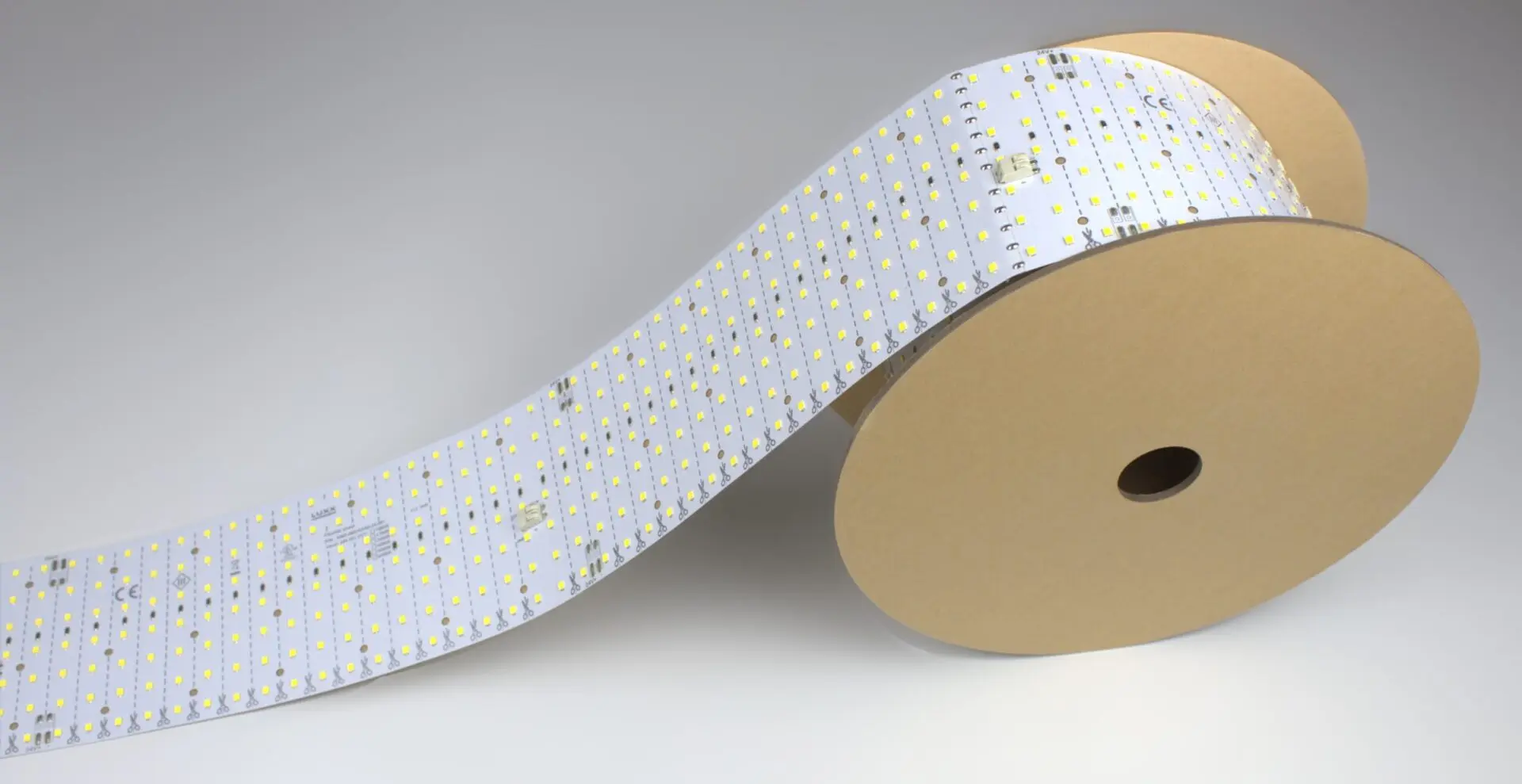
A LightWave® Generation 1 Plus or CH2 sheet measures 12″ × 24″ (305 × 610 mm), so each sheets covers 2 square feet. A LightWave® PIXX sheet measures 9.25″ × 19.8″ and covers about 1.27 square feet. LightWave® Roll It! is 4 inches wide, so every foot of roll covers one-third of a square foot.
Use these formulas for an initial estimate:
- Gen 1 Plus / CH2: sheets = backlit area in sq ft ÷ 2, rounded up.
- PIXX: sheets = backlit area in sq ft ÷ 1.27, rounded up.
- Roll It!: feet of roll = backlit area in sq ft × 3.
Because every LightWave® sheet cuts along marked lines, you rarely pay for area you do not light — offcuts from one edge can fill the next. The LED Sheet Power Supply Calculator now converts your surface dimensions into sheet count and driver size in one step.
What Does LED Sheet Backlighting Cost to Run?
Running cost scales with area. These power figures come from the current LightWave® spec sheets:
LightWave® Power Consumption
Compare power requirements across LightWave® LED sheet and roll variants to help plan your lighting system.
| LightWave® Variant | Power Consumption | Power per Square Foot |
|---|---|---|
| Generation 1 Plus Single Color | 14 W per sheet | 7 W/sq ft |
| Generation 1 Plus Tunable White | 2 × 14 W per sheet | Up to 14 W/sq ft |
| Generation 1 Plus RGBW | 4 × 4 W per sheet | Up to 8 W/sq ft |
| CH2 Tunable White | 2 × 20 W per sheet | Up to 20 W/sq ft |
| CH2 RGBW | 4 × 11 W per sheet | Up to 22 W/sq ft |
| PIXX | 35 W per sheet | Approx. 27.5 W/sq ft |
| Roll It! Standard | 2.15 W per linear foot | Approx. 6.6 W/sq ft |
| Roll It! High-Output | 3.5 W per linear foot | Approx. 10.7 W/sq ft |
Example: Annual Electricity Cost for a Backlit Wall
Running cost example: a 20 sq ft backlit wall in Gen 1 Plus single color uses 10 sheets at 140 W. Lit 12 hours a day, that is about 613 kWh a year — roughly $92 at $0.15 per kWh. Swap in your local electricity rate to adjust.
This calculation covers energy consumption only. It does not include installation, drivers, controls, maintenance, or other equipment losses. Replace the example electricity rate with your local rate to estimate your own operating costs.
How Much Does a Backlit Onyx Countertop Cost?
On a backlit onyx countertop, the stone and its fabrication dominate the budget; the lighting package is a smaller share. For the lighting itself, estimate the lit area of the slab, not the cabinet footprint. A 10 ft × 2 ft bar top is 20 sq ft: 10 Gen 1 Plus sheets, 140 W of load, and a driver of at least 168 W after 20% headroom.
For how to design and install the lighting, see Backlit Onyx Countertops, Bar Tops, and Islands.
How Much Does a Backlit Onyx Wall Cost?
Walls cost more per square foot than countertops for three reasons: the stone is usually laminated to glass or honeycomb for support, the lighting needs a service access strategy, and larger areas need more driver zones. An 8 ft × 10 ft feature wall is 80 sq ft — 40 Gen 1 Plus sheets and 560 W of load, split across at least two driver zones because LUXX recommends driver-per-zone design above 500 W.
For wall construction and detailing, see How to Backlight an Onyx Wall.
Is Backlit Onyx Expensive?
Backlit onyx is a premium finish, but the lighting is not what makes it expensive. The stone, its lamination, and the joinery that holds it carry most of the cost. What the lighting choice changes is the result: an even area source such as an LED sheet lets you build a shallower cavity and avoid the striping that makes lower-cost strip ladders visible through thin stone. If your budget is fixed, translucent alternatives to natural onyx reduce the stone cost while using the same lighting.
How Much Does a Backlit Sign Cost to Light?
For a backlit sign face, measure the translucent area only. A 2 ft × 8 ft fascia band is 16 sq ft: 8 Gen 1 Plus sheets at 112 W, or 48 ft of Roll It! standard at about 103 W. Roll It! often wins on long, narrow faces because one continuous run needs fewer drivers and no splices across the graphic. See LED Backlit Signage for cabinet depths and layout.
What Makes Backlighting Cost More Than Expected?
Too many zones. Every zone adds a driver and wiring. Group areas that are always lit together.
Color or pixel control when static white would do. Tunable white, RGBW and addressable control each add channels and controllers. Specify them where the design needs them.
No service access. Retrofitting access panels into finished stone or millwork costs far more than planning them.
Undersized cavities. A cavity too shallow for even diffusion forces extra diffusion layers or rework.
Buying area you do not light. Sheets are cuttable; plan the layout so offcuts are reused.
How do you get an accurate quote?
Send LUXX four things and we return a sheet layout, driver schedule and price: the lit dimensions, the material in front of the light, the cavity depth available, and whether you need static white, tunable white, color or animation. Request a project quote
Several design and installation decisions can increase the total cost of an LED backlighting project.
How much does an LED light sheet cost?
Sheet price depends on the variant — single color, tunable white, RGBW or addressable — and on quantity. For budgeting, estimate cost per square foot of lit surface rather than per sheet.
What is the cheapest way to backlight a large surface?
Use one static-white zone per area that is always lit together, a continuous Roll It! run for long narrow faces, and the shallowest cavity that still blends evenly. Every extra zone, color channel and diffusion layer adds cost.
How much does it cost to run LED backlighting?
Multiply the total wattage by hours of use and your electricity rate. A 140 W backlit wall lit 12 hours a day uses about 613 kWh a year, roughly $92 at $0.15 per kWh.
Does LUXX sell LED light sheets by the sheet?
LUXX quotes by project so the sheet count, drivers and controls arrive matched. See where to buy LightWave® LED light sheets for distributor options.
Related LED Backlighting Resources
- Flexible LED Light Sheets
- LED Sheet Power Supply Calculator
- LED Sheet Diffusers and Translucent Materials
- Backlit Onyx Countertops, Bar Tops, and Islands
- How to Backlight an Onyx Wall
- LED Backlit Signage
- Where to Buy LightWave® LED Light Sheets
LUXX Light + Retail Technology has been serving lighting and retail technology applications since 1996. For help specifying LED sheet backlighting for your next project, request a project quote.